
Frequently Asked Question
I forgot my VIGI NVR password and the reset email is missing. Can I recover access without a factory reset?
QUICK ANSWER
Try the NVR’s configured password-recovery methods first. Recovery email, an authorised app-based QR flow or previously configured security questions may restore access while preserving the setup.
Applies to: VIGI NVRs with Password Recovery support; available methods depend on firmware and previous configuration.
Work through these checks
- Confirm you are recovering the NVR’s device administrator password, not your TP-Link ID. On the NVR login screen, choose Forgot Password and review the methods actually offered.
- For E-mail Verification, check that the configured recovery mailbox is still accessible. Direct delivery requires the supported internet/Platform Access configuration. Check spam, quarantine and mail filters before requesting another code.
- If an app-based QR method is offered, use the VIGI app signed into the account associated with the NVR; the phone needs internet access. Keep the recovery QR and verification code private.
- Use Security Questions only if they were configured previously. If no method is usable, document the model and access evidence and request help before considering a factory reset.
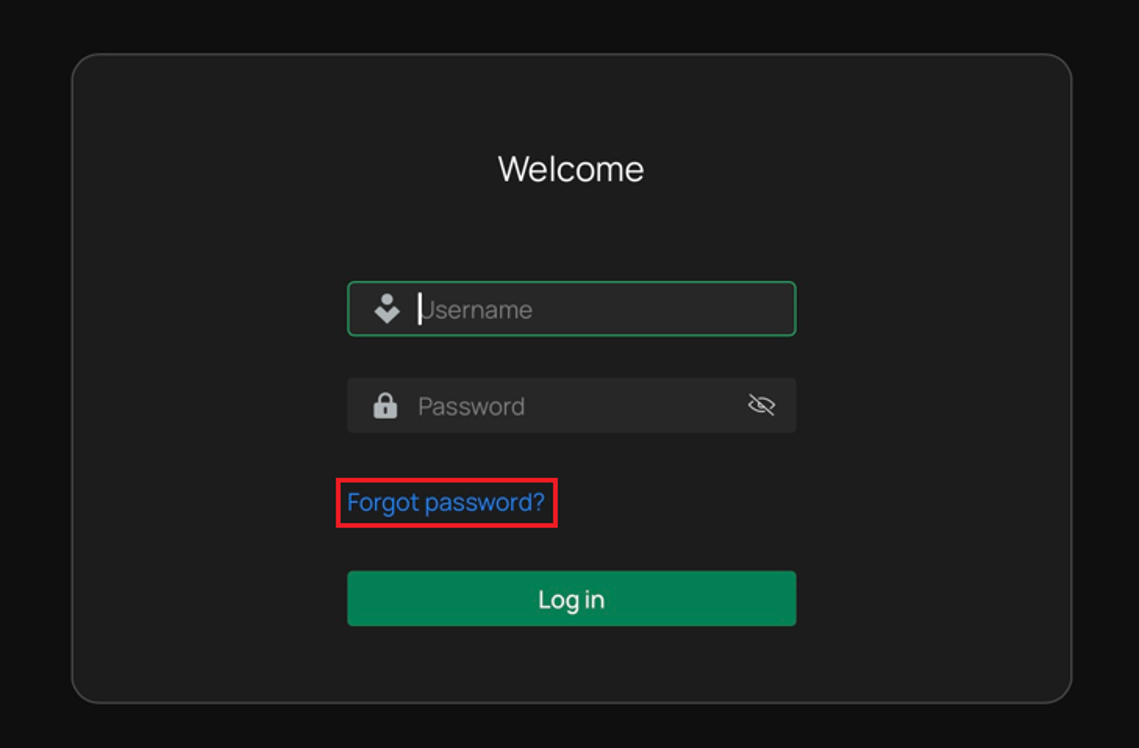
Genuine VIGI example: review the configured recovery methods from Forgot password. Do not reset recording disks to recover an account. Tap the image to enlarge. Interface details may differ by software version.
Confirm the result
Sign in locally with the recovered device account and verify camera channels, recordings and remote access. Update the owner’s secure recovery records.
Before going further: Do not reset or initialise recording disks to fix a forgotten login. A factory reset can remove configuration and needs a planned recovery route.
If you need help
Include these details in your ticket: NVR model/firmware, recovery methods shown, mailbox availability and the precise redacted error.
Updated 261107