
Frequently Asked Question
Insta360 Link will not recognise my whiteboard. Am I using the correct Whiteboard mode?
QUICK ANSWER
Standard Whiteboard and Smart Whiteboard have different model and marker requirements. Check the exact Link model and selected mode before changing tracking or meeting-app settings.
Applies to: Link, Link 2/2C and Link 2 Pro/2C Pro with the appropriate Insta360 Link Controller. Original Link does not support Smart Whiteboard.
Work through these checks
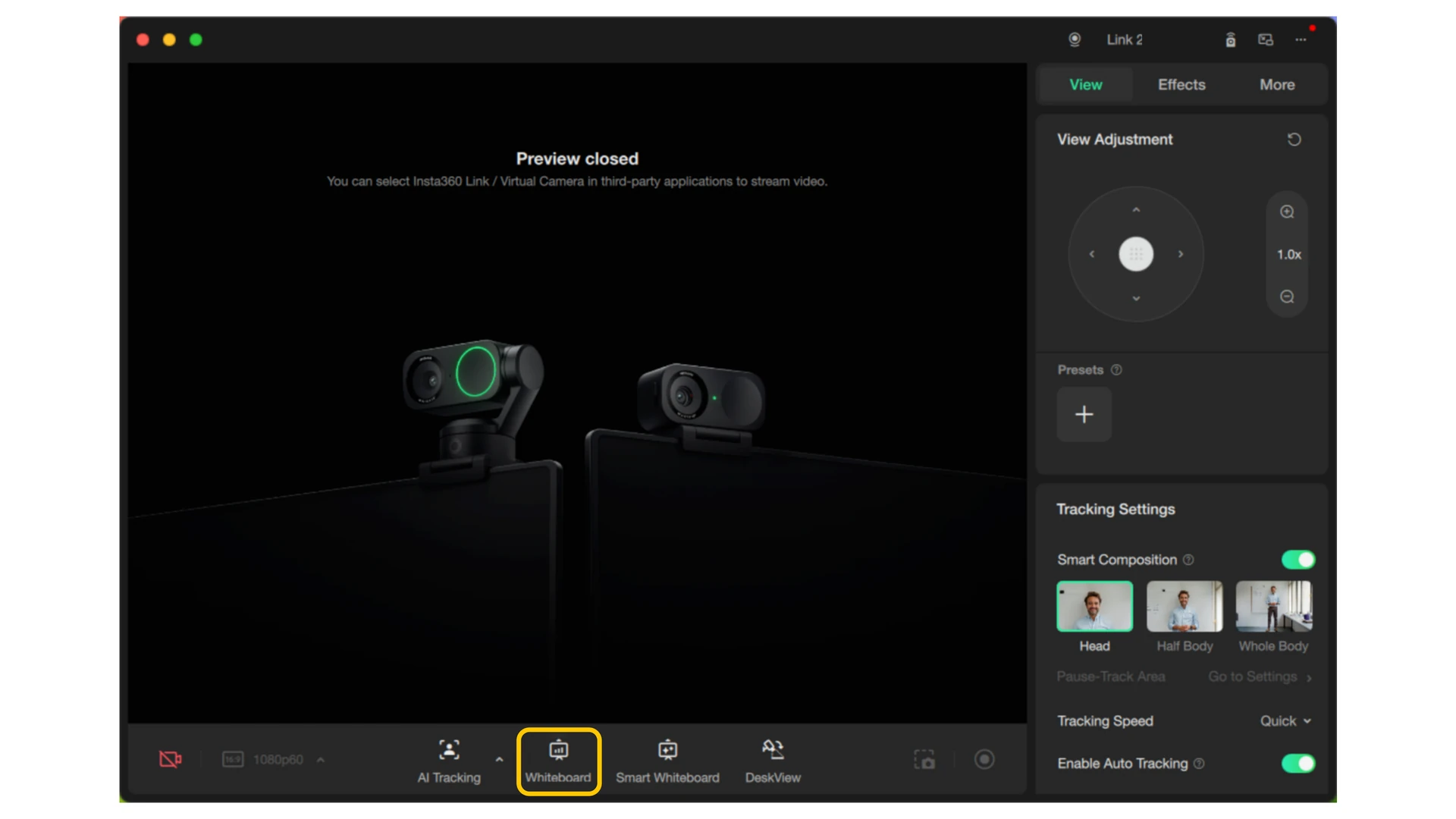
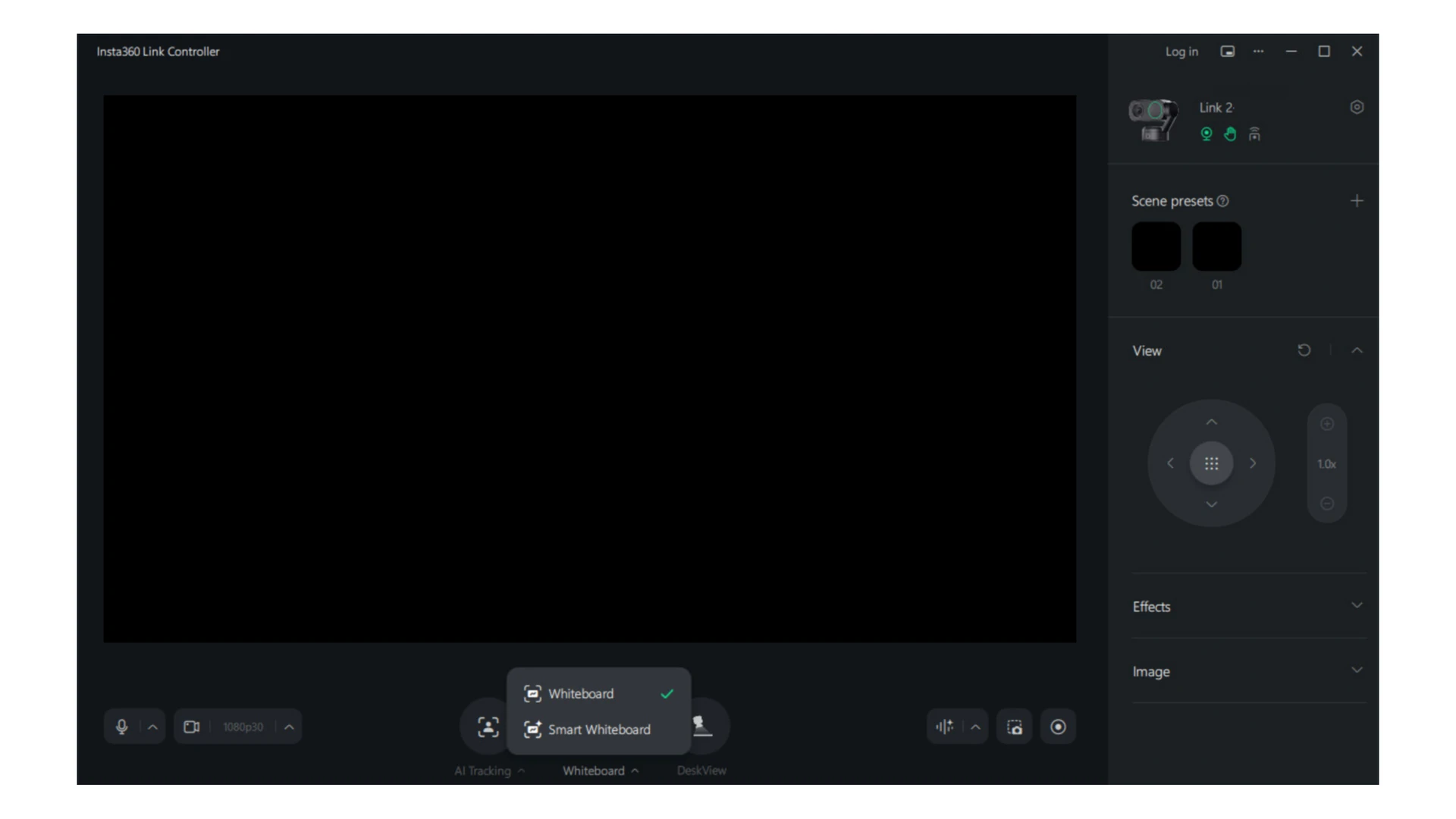
- Identify the model and mode. Read the model in Link Controller. Standard Whiteboard uses recognition markers; supported newer models also offer a separate Smart Whiteboard workflow.
- Check standard mode framing. Place the supplied recognition markers at all four board corners and keep every marker visible. Avoid an obstructed edge or an angle that makes a corner unreadable.
- Select the mode in Link Controller. Use its Whiteboard control for the documented workflow. Interface examples vary by version. Smart Whiteboard is not the appropriate fallback for an original Link.
- Check the delivered meeting view. Verify the board is correctly framed in the actual conferencing application, using the appropriate camera/virtual-camera path for the mode and model.
Confirm the result
All intended board content is visible and readable in the receiving meeting view, not only in the controller preview.
Before going further: Do not factory-reset the webcam simply because a model does not support Smart Whiteboard. Keep unrelated camera presets intact.
If you need help
Include these details in your ticket: Exact Link model, Controller/OS version, selected mode and whether all markers/edges are visible. Use a blank test board rather than confidential notes.
Related guidance: Insta360 Link 4K: What should I check when the webcam is not detected or shows no picture?
Updated 261110