
Frequently Asked Question
HiTi CS-200e or CS-220e says Card Out when the hopper contains cards. Why?
QUICK ANSWER
Card Out can mean cards are not feeding, not simply an empty hopper. Check the card weight module, the thickness adjustment and cards sticking together before treating it as a jam.
Applies to: HiTi CS-200e and CS-220e using supported card stock.
Work through these checks
- Stop the job and note the exact message. Confirm the card type and thickness match the printer’s supported specification and the current thickness-adjustor position.
- Remove and neatly reload a small supported stack, separating cards that cling through static. Handle their edges so fingerprints and debris do not reach the printing surfaces.
- Check the required card weight module is correctly positioned. Keep the stack within the hopper limit and check that warped or damaged cards are not blocking pickup.
- Run one test using the correct input setting. If the message changes to Card Jam, follow the display’s release procedure. A CAM or Flipper error needs service assessment rather than repeated feeding.
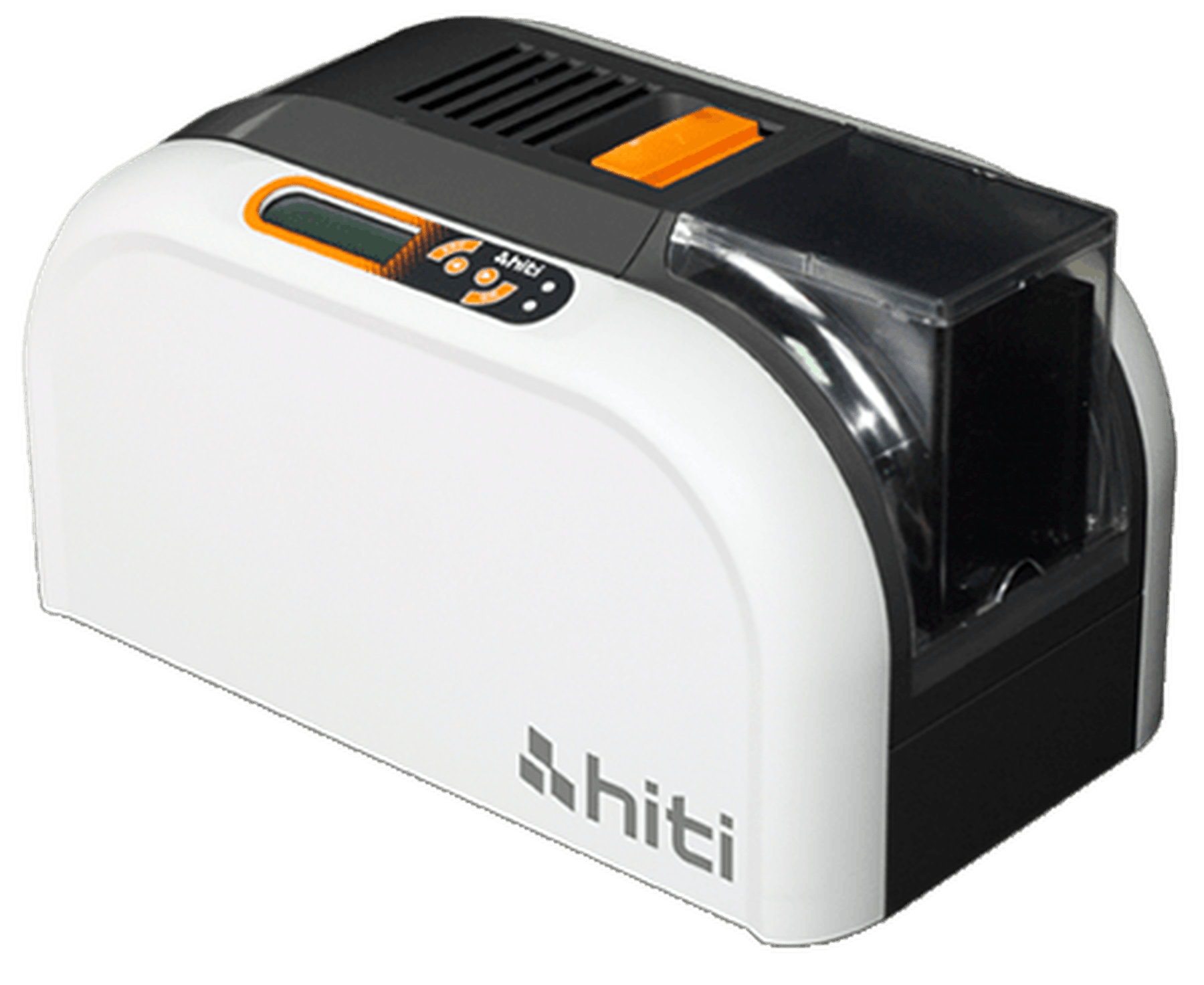
ACE catalogue photo: HiTi CS-200e. Confirm the actual model and its thickness-adjustor instructions before changing card feed settings. Tap the image to enlarge.
Confirm the result
One card feeds, prints and ejects normally, followed by a short controlled batch without missed pickups.
Before going further: Do not force cards into the mechanism, adjust hidden factory calibration or use a tool to defeat the card sensor.
If you need help
Include these details in your ticket: Model/serial, exact message, card stock/thickness, adjustor position and a clear hopper/weight-module photograph.
Updated 261107