
Frequently Asked Question
Why is my UniFi Protect camera clear by day but foggy or washed out at night?
QUICK ANSWER
Infrared light reflecting from glass, a nearby wall, dirt or a dome can wash out the night image. Compare the scene with infrared illumination enabled and disabled before replacing the camera.
Applies to: UniFi Protect cameras using infrared night vision. Available night-mode controls depend on the camera.
Work through these checks
- Check the outside of the lens or dome for fingerprints, condensation, dust, insects and protective film. Clean only as instructed for that model.
- Look for nearby walls, eaves, cable loops or glass catching the camera's infrared light. A camera behind a window may illuminate the window instead of the subject.
- Use Protect's night-mode or infrared controls for a brief comparison. If the haze disappears with IR off, adjust the mounting angle or lighting so reflected IR does not return into the lens.
- For dome models, follow the model's assembly instructions and check that the dome and internal light-isolation seal are properly seated. Do not open sealed parts or disturb weatherproofing.
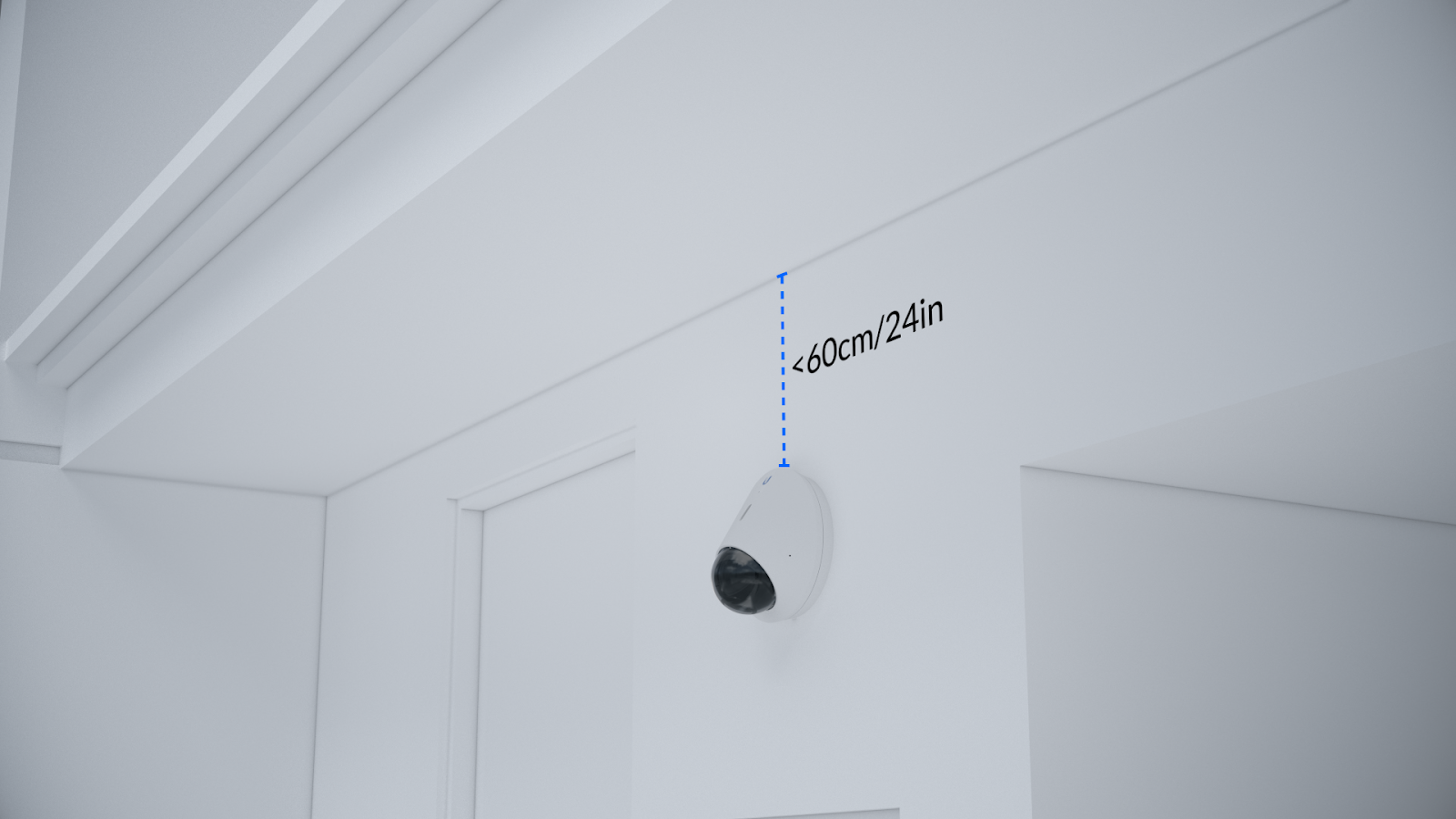
Ubiquiti mounting example: nearby surfaces can reflect infrared light. Tap the image to enlarge. Interface examples may differ from your version.
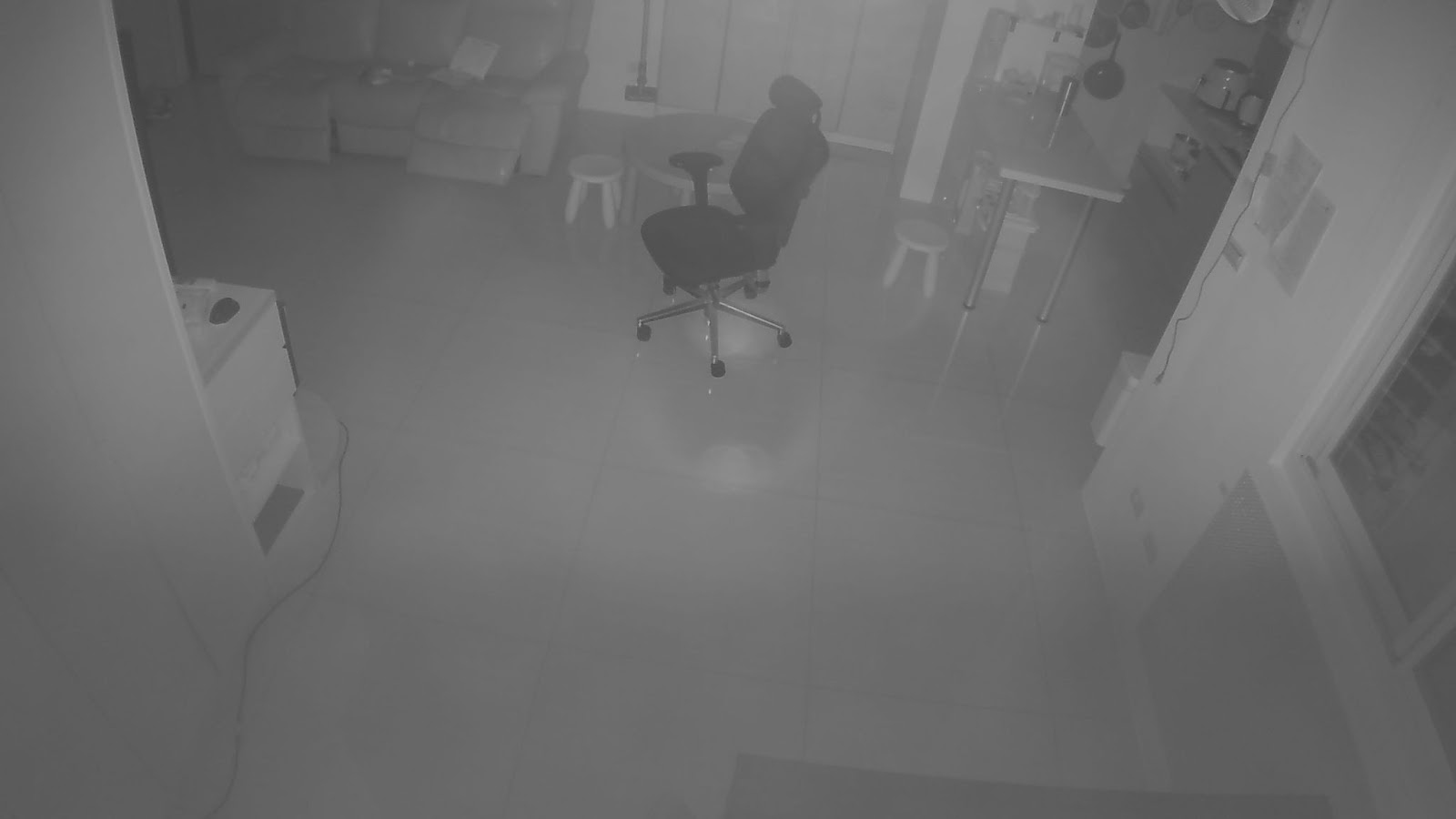
Ubiquiti example of a washed-out infrared night view. Tap the image to enlarge. Interface examples may differ from your version.
Confirm the result
Compare the same view after dark. The subject should be visible without the bright veil or ring. A daytime test alone cannot confirm a night-vision repair.
If you need help
Include these details in your ticket: Camera model, night-mode settings and a pair of redacted night images showing IR on/off. Include a photo of nearby reflective surfaces without exposing private areas.
Updated 261107