
Frequently Asked Question
My Jabra Engage 65 or 75 has short battery life or will not charge in its base. What should I check?
QUICK ANSWER
First distinguish a charging failure from reduced runtime after charging. Check the correct base/power supply, docking contact and actual use before comparing battery-life figures.
Applies to: Jabra Engage 65/75 headset-and-base systems, with the exact generation and charging hardware confirmed.
Work through these checks
- Record whether the headset shows charging when docked and whether the displayed level rises. Check the base's supplied power connection and that the headset sits correctly in its compatible cradle.
- Inspect the accessible charging contacts for dirt or damage. Clean only as permitted by the model instructions, with appropriate power precautions, and never charge wet equipment.
- After a normal full charge, compare a representative call period. Record talk time, standby time and whether the headset stays in an active audio mode; these conditions affect the comparison.
- If a previously healthy headset now runs down much faster under the same use, record its age and firmware and arrange a battery/service assessment. Use a model-specific approved replacement route rather than dismantling the headset.
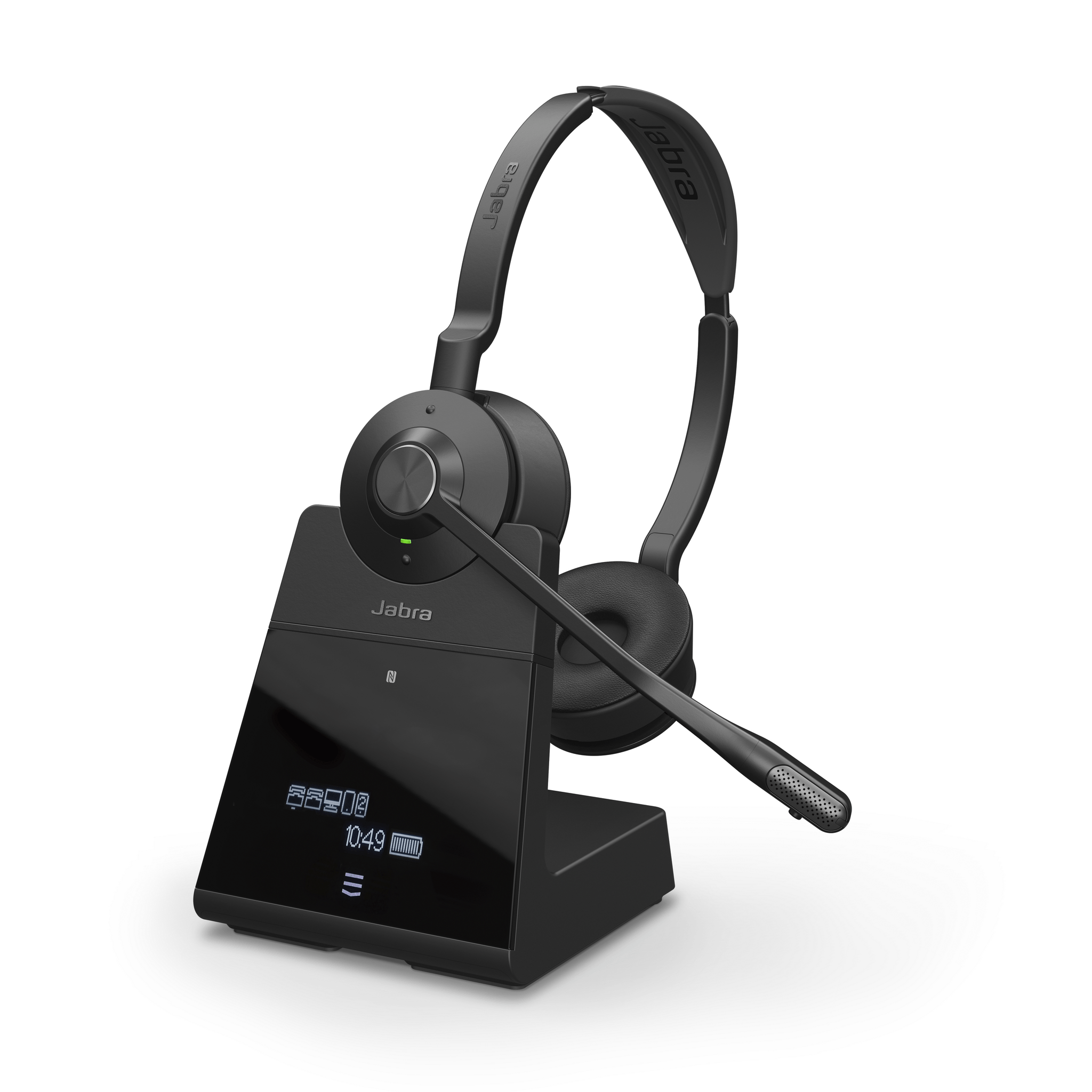
ACE catalogue photo: Engage 75. Check the exact generation and headset/base compatibility; this is not an Engage 65 or SE pairing diagram. Tap the image to enlarge.
Confirm the result
Confirm a reliable charging indication on repeated docking and measure usable runtime under the same workload. A full icon alone does not establish the battery's remaining capacity.
Before going further: Do not charge a damaged, swollen or wet headset, open the battery pack or fit a battery intended for another generation.
If you need help
Include these details in your ticket: Headset/base model, power supply, firmware, approximate age, charging indications and measured talk/standby behaviour after a full charge.
Updated 261107