
Frequently Asked Question
My Jabra Engage 65 or 75 says out of range beside its base. What should I check?
QUICK ANSWER
Check the headset-to-base pairing and exact hardware compatibility. Being physically close or fitting in a cradle does not prove that a replacement headset is linked to that base.
Applies to: Jabra Engage 65/75 base-and-headset systems. Confirm legacy versus SE generation and mono/stereo versus convertible hardware separately.
Work through these checks
- Read the headset and base model/part numbers. Confirm their supported pairing and docking combination, especially after replacing a headset, base or charging accessory.
- Check base power and the headset's charge indication. Seat the compatible headset correctly in its base and follow the documented primary-headset pairing procedure for that model.
- Record the exact prompt and firmware shown in Jabra Direct where supported. Primary pairing, adding a conference headset and pairing a phone to a Bluetooth-capable base are different operations.
- Test near the base after one completed pairing attempt. If the headset remains unavailable, compare a verified compatible set or provide the model/firmware details for assessment rather than repeatedly resetting all settings.
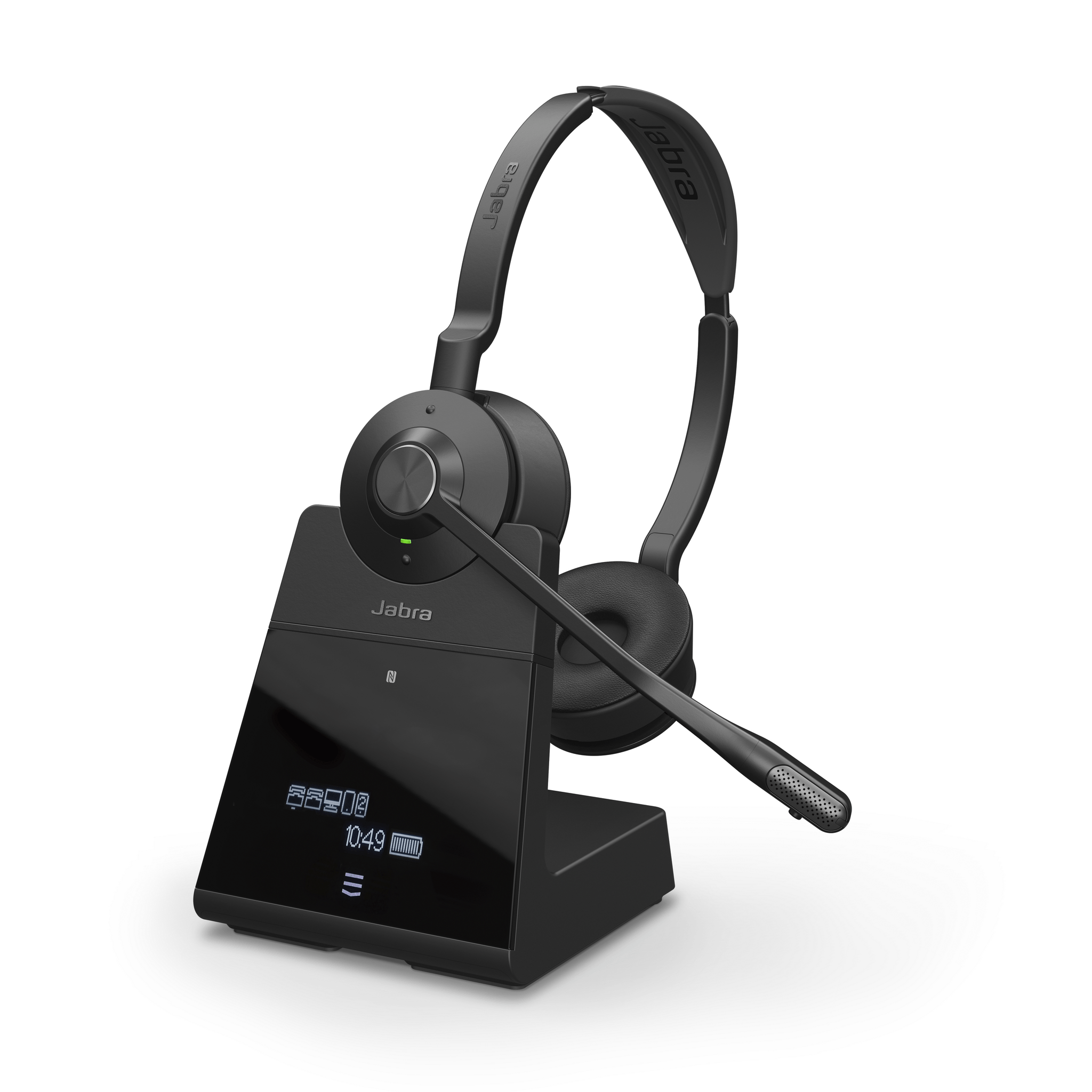
ACE catalogue photo: Engage 75. Check the exact generation and headset/base compatibility; this is not an Engage 65 or SE pairing diagram. Tap the image to enlarge.
Confirm the result
The base should show the intended primary headset connected and a test call should work after undocking. Check both call audio and reconnection after docking.
Before going further: Do not force an incompatible headset into a cradle or assume SE and legacy components are interchangeable. Record desk-phone settings before any support-directed reset.
If you need help
Include these details in your ticket: Headset/base model and part numbers, generation, firmware, exact prompt and whether either component was recently replaced.
Updated 261107