
Frequently Asked Question
Why does my SanDisk card show less capacity in Windows than the number on the label?
QUICK ANSWER
Storage labels use decimal GB, while Windows commonly displays binary capacity using a GB label. Formatting also uses space. A large unexplained shortfall needs a separate partition check.
Applies to: SanDisk memory cards, USB drives and external storage with an unexpected displayed capacity.
Work through these checks
- Compare total capacity with total capacity, not free space. For example, 128,000,000,000 bytes is about 119.2 GiB before file-system overhead; that difference alone does not mean space is missing.
- Check the drive's Properties and identify the correct physical device in Disk Management. Record the complete partition layout, including any unallocated space, without deleting or creating partitions.
- Consider how the card was previously used. A bootable image or appliance may create a smaller partition even when the physical device retains its full capacity.
- If the physical capacity itself is much smaller than expected or files fail after a certain point, keep the purchase evidence and stop storing important files. Further authenticity or media-health checks should use backed-up or empty media.
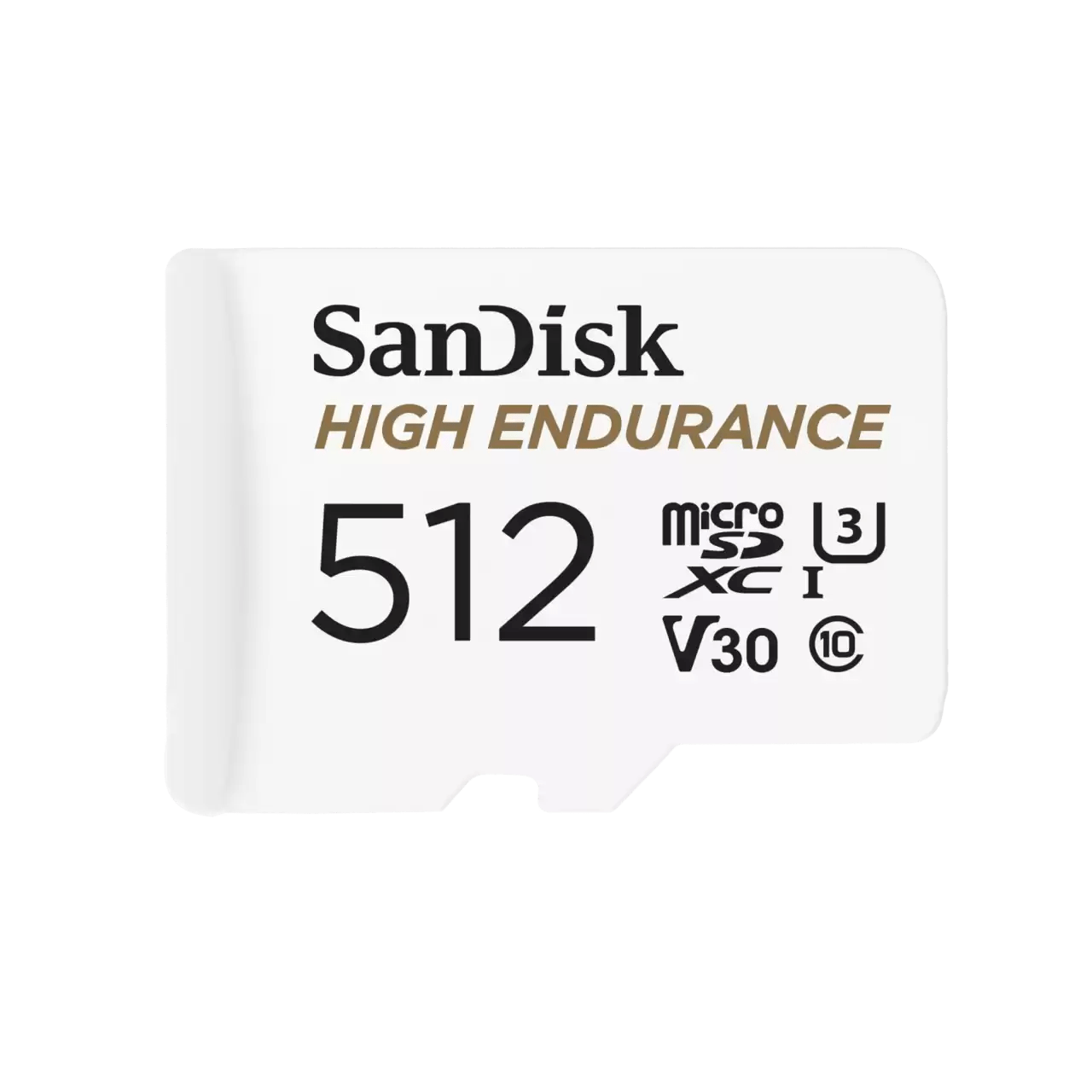
ACE catalogue photo: SanDisk High Endurance microSD. Check the exact card rating and your device requirements; other SanDisk families differ. Tap the image to enlarge.
Confirm the result
The expected byte-based capacity, partition size and used/free totals should account for the difference. Repartitioning is not necessary for a normal GB-versus-GiB discrepancy.
Before going further: Do not run a full-write capacity test, format or delete partitions while the device holds needed files.
If you need help
Include these details in your ticket: Exact model/capacity, total bytes shown in Properties, a Disk Management screenshot and where the product was purchased. Hide unrelated drives.
Updated 261107