
Frequently Asked Question
Windows asks me to format a SanDisk card, but I need the files. What should I do?
QUICK ANSWER
Cancel the format prompt and stop writing to the card. First determine whether the device uses a file system Windows cannot read or the card's file system has become damaged.
Applies to: SanDisk cards or USB storage that appear as RAW, unreadable or requiring formatting in Windows.
Work through these checks
- Cancel Format, Initialise and repair prompts for now. Note which device last used the card and whether it was removed during recording or writing.
- Check the original camera or recorder without starting a recording. Some devices use a storage layout Windows does not understand. If its normal export function can read existing files, copy them to separate storage.
- Try one known-good compatible reader and computer connection. If files become accessible, copy the most important ones first and verify them on the destination. Do not save recovered files back onto the same card.
- If the card remains RAW or disconnects, stop repeated attempts. A recovery assessment may be appropriate before any format or file-system repair, especially when the files have no backup.
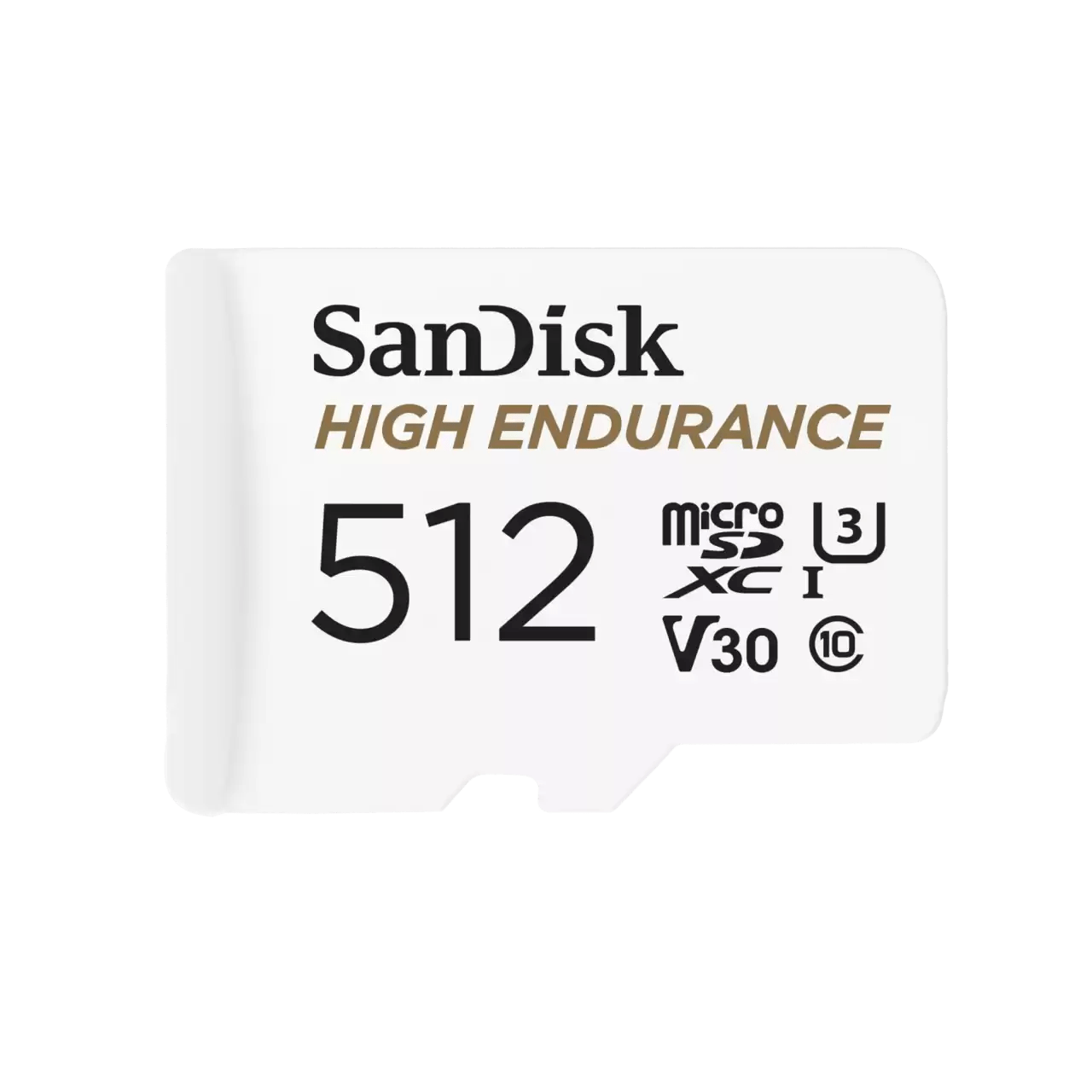
ACE catalogue photo: SanDisk High Endurance microSD. Check the exact card rating and your device requirements; other SanDisk families differ. Tap the image to enlarge.
Confirm the result
Open the copied files from the separate destination and check several recordings or documents. Seeing filenames alone does not establish that the contents are intact.
Before going further: Formatting, repartitioning, repeated writes or a repair operation can reduce recovery options. Warranty replacement and data recovery are separate matters.
If you need help
Include these details in your ticket: Card model/capacity, original device, exact Windows message, whether it appears with the correct capacity and the importance/backup status of the data.
Updated 261107