
Frequently Asked Question
Why does my SanDisk card say a file is too large when there is enough free space?
QUICK ANSWER
A FAT32 volume cannot store a single file of 4 GiB or larger. Free space and the maximum size of one file are different limits.
Applies to: SanDisk memory cards or USB drives used with Windows, cameras and recorders.
Work through these checks
- Check the size of the file that fails, rather than the total folder size. On Windows, open the drive's Properties and record its file system without changing anything.
- If the drive uses FAT32 and a large video fails while small files copy, check whether every device that will use the card supports exFAT. Older cameras and recorders may require FAT32 or have their own card-capacity limit.
- Copy all readable files to another storage device and open a sample before considering a format. Formatting removes the existing contents; selecting exFAT is not a recovery procedure.
- If the camera must use FAT32, use its supported recording/file-splitting workflow. Do not rename a large file or repeatedly retry the copy expecting the file-system limit to change.
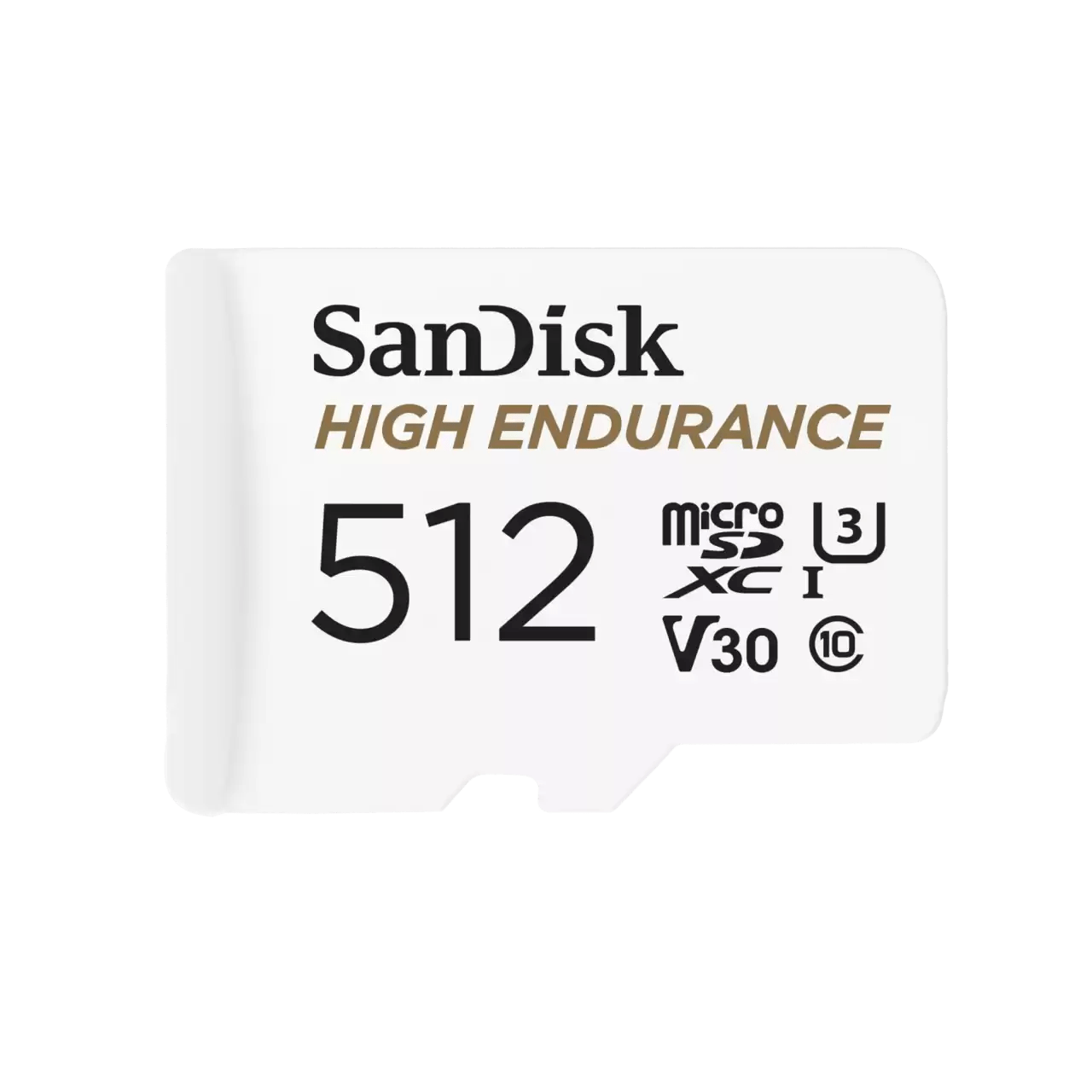
ACE catalogue photo: SanDisk High Endurance microSD. Check the exact card rating and your device requirements; other SanDisk families differ. Tap the image to enlarge.
Confirm the result
Copy one supported test file, safely eject the card and read it in the intended device. If both small and large files fail, investigate a separate card, reader or file-system fault.
Before going further: Keep the original files until the copy is verified. Do not format the only copy of a recording.
If you need help
Include these details in your ticket: Exact card/drive model and capacity, file system, failing file size, error text and the camera or computer model.
Updated 261107