
Frequently Asked Question
My Zebra ZC300 prints only black or detects a colour ribbon as monochrome. What should I check?
QUICK ANSWER
First compare the fitted ribbon with the type recognised by the printer and driver. A monochrome ribbon and a colour ribbon need different printing behaviour; a recognition problem is different from colour calibration.
Applies to: Zebra ZC300 printers with a supported, region-appropriate ribbon and the correct Zebra driver.
Work through these checks
- Check the actual ribbon. Record its part number and compare it with the exact printer/region support list. Do not assume a similar cartridge or another ZC-series ribbon is interchangeable.
- Compare recognition with the driver. In the printer's information and driver preferences, check the detected ribbon and the job's colour/monochrome choices. Test a simple colour design on one card.
- Separate known ribbon formats. Half-panel and specialist ribbons have their own intended layout. Check the ribbon's instructions if only part of a card receives colour.
- Use the supported correction path. If a genuine supported colour ribbon is consistently identified incorrectly, check the official driver/firmware guidance for that model. Preserve the job configuration and use an agreed maintenance window.
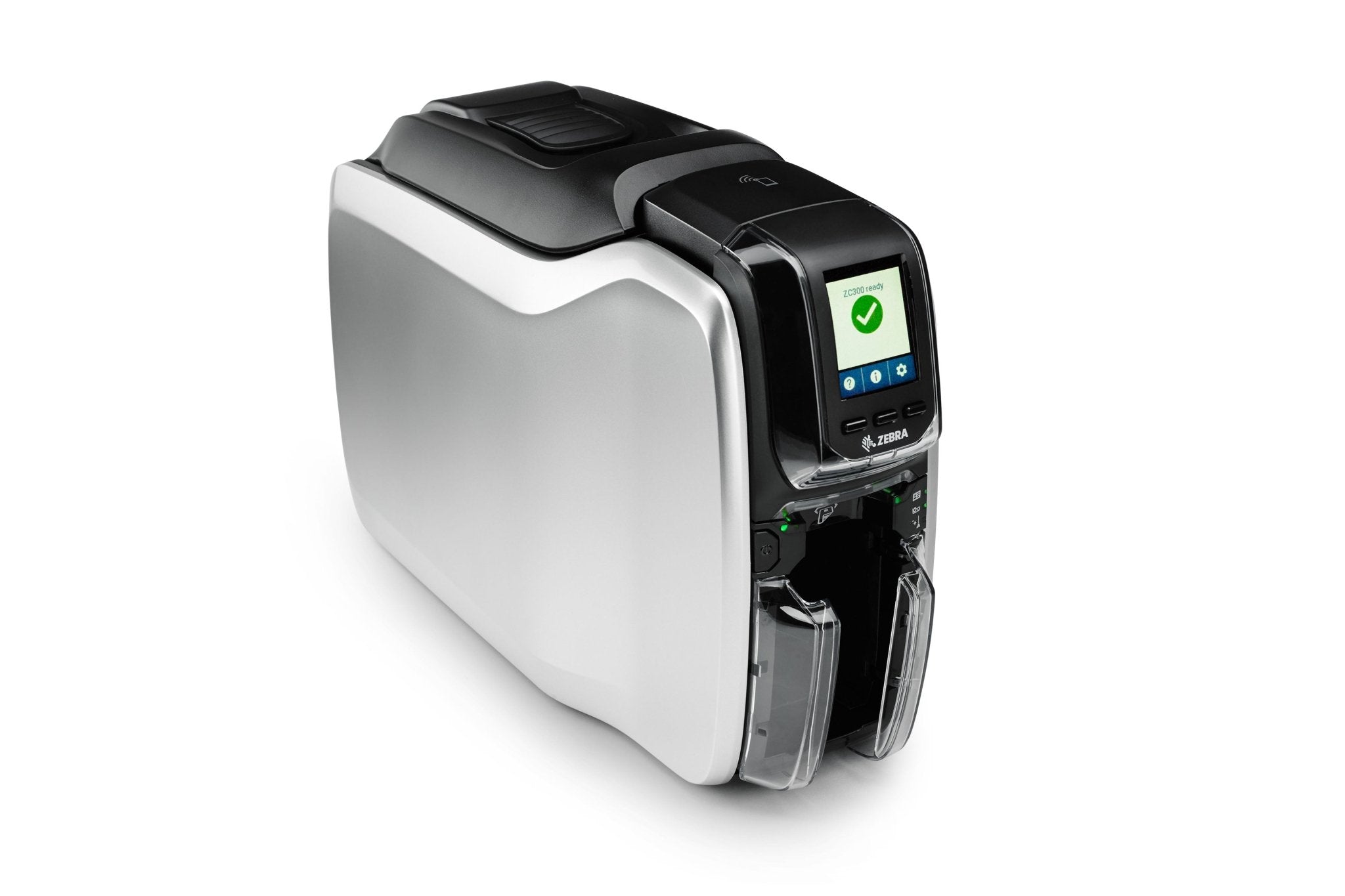
Confirm the result
The correct ribbon type is recognised and the simple test card uses the intended colour and black panels.
Before going further: Do not force an incompatible ribbon, repeatedly waste cards or modify ribbon chips to bypass recognition.
If you need help
Include these details in your ticket: Printer/region, ribbon part number, driver/firmware and an anonymised test design/result.
Related guidance: Zebra ZC300 shows 5002 incompatible ribbon or 5008 authentication failed. What is the difference? · Why is my Zebra ZC300 card design cropped or off-centre?
Updated 261110