
Frequently Asked Question
Why does the ribbon keep breaking or jamming in my Zebra ZC300 card printer?
QUICK ANSWER
Check the ribbon, card stock and where the design prints near the card edge. Repeated breakage can need service; replacing or taping a ribbon does not establish the underlying cause.
Applies to: Zebra ZC300 card printers with ribbon breaks, ribbon stuck to a card or error 5003.
Work through these checks
- Stop the job and record the displayed error. Cancel repeated copies so the printer does not consume more ribbon while the fault is unresolved.
- Check that the card stock and ribbon part number are compatible with the exact printer. Inspect the cartridge seating and cleaning roller installation according to the user guide, without forcing moving parts.
- Compare where the ribbon breaks with the design. Printing too close to an edge, incompatible card material or an overlay issue can be relevant. Test a simple centred design on suitable new stock.
- If appropriate, compare one known-good compatible ribbon and run the model's approved cleaning process. Keep a photograph of the break and the test card. If breakage persists, have the print mechanism assessed.
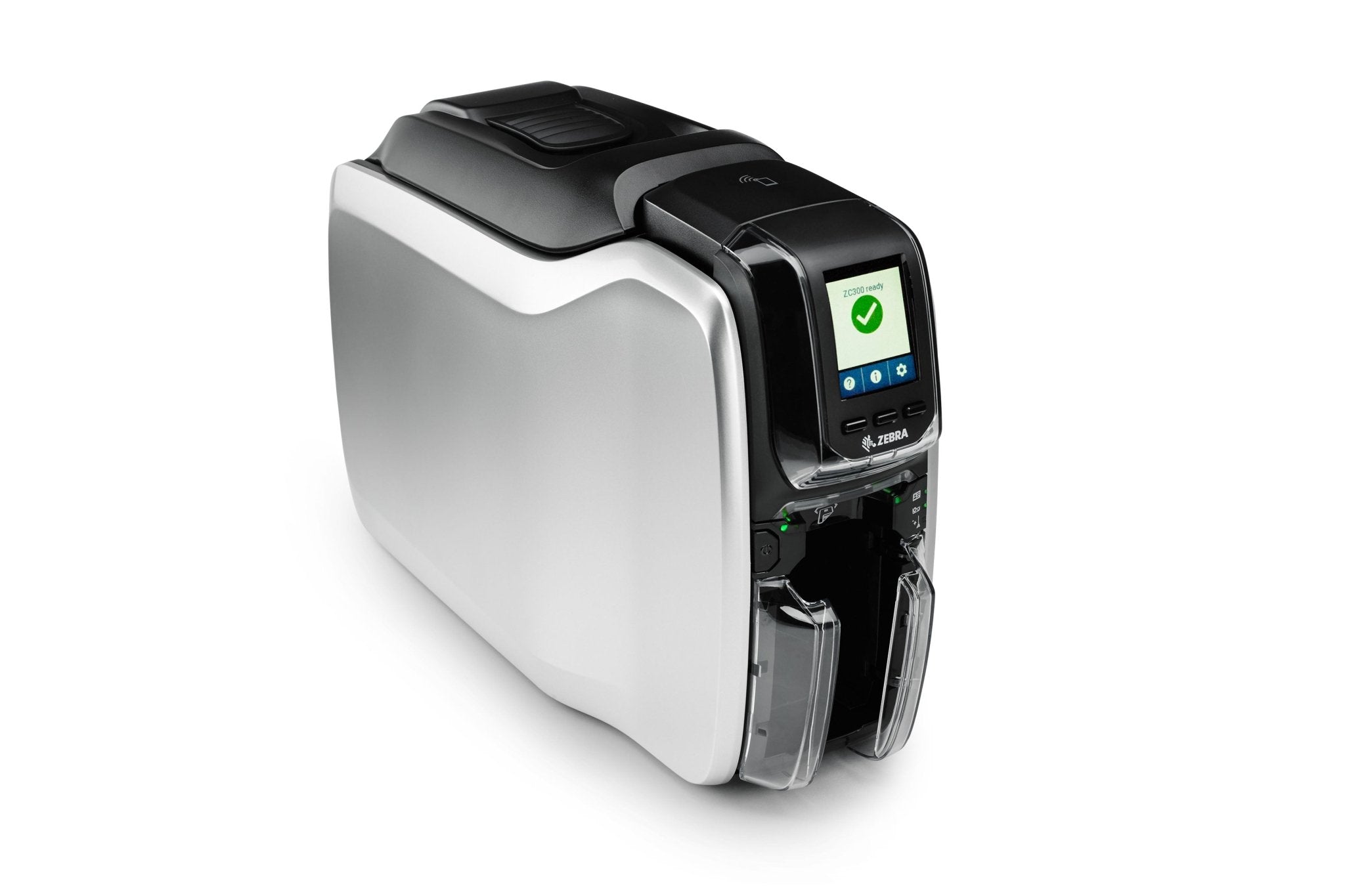
ACE catalogue photo: ZC300 card printer. Card stock, ribbon and cleaning procedures must match the printer. Tap the image to enlarge.
Confirm the result
Print a small controlled test with no tearing, sticking or recurring 5003 error. Confirm the complete card image before resuming a batch.
Before going further: Do not dismantle the ribbon encoder, adjust internal sensors or change printhead electrical settings based on a forum suggestion.
If you need help
Include these details in your ticket: ZC300 model, error code, ribbon part number, card material/thickness, break location and whether a centred test design changes the result.
Updated 261107