
Frequently Asked Question
Zebra ZC300 shows 5002 incompatible ribbon or 5008 authentication failed. What is the difference?
QUICK ANSWER
5002 concerns ribbon compatibility; 5008 concerns ribbon authentication. Verify the exact cartridge and chip condition instead of treating both messages as a printer-driver fault.
Applies to: Zebra ZC100/ZC300/ZC350 family ribbon checks, with the replacement cartridge matched to the exact model.
Work through these checks
- Photograph the full message and cartridge part-number label. For 5002, confirm that the ribbon is intended for the printer model and any applicable OEM configuration.
- For 5008, inspect the cartridge's authentication chip for obvious dirt, damage or a missing chip. Handle and clean only as the manufacturer permits; do not scrape contacts or bridge them.
- Reseat the compatible cartridge according to the loading instructions and check that the cleaning roller's protective cover has been removed as specified. Close the cover normally without force.
- Compare a known-good genuine compatible ribbon if available. If the same ribbon works elsewhere or several correct ribbons fail in one printer, record that result for assessment of the printer's contacts or reader.
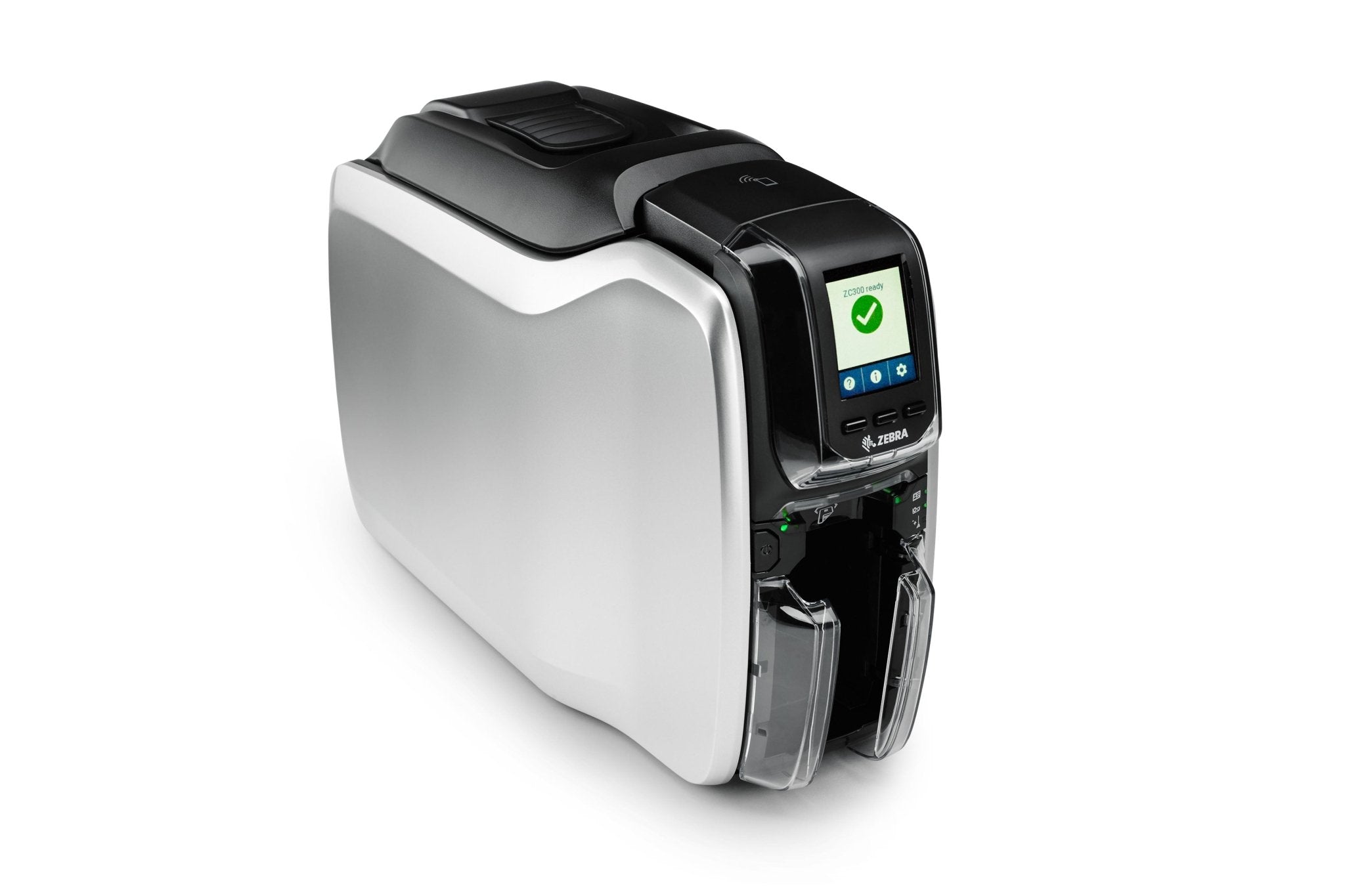
ACE catalogue photo: ZC300 card printer. Card stock, ribbon and cleaning procedures must match the printer. Tap the image to enlarge.
Confirm the result
The printer should identify the correct ribbon and print a test card without the authentication or compatibility error returning.
Before going further: Do not bypass the authentication chip, use an unrelated cartridge or repeatedly recalibrate sensors to hide a compatibility error.
If you need help
Include these details in your ticket: Printer model, exact error, ribbon part number, clear chip/label photos and whether another compatible ribbon is accepted.
Updated 261107