
Frequently Asked Question
Why are there thin white lines through cards printed by my Zebra ZC300?
QUICK ANSWER
Repeated white voids can come from printhead contamination or damage. Check a printer test card and clean with the approved process before changing the artwork.
Applies to: Zebra ZC300 card printers with a white line or missing image area recurring in the same position.
Work through these checks
- Compare the source artwork with the printed card. Print the printer's own test card, where supported, to separate an application/design problem from a defect produced by the printer.
- Check whether the line repeats at exactly the same position across different cards and designs. Keep a sample and photograph it without exposing personal cardholder details.
- Follow the ZC300's approved cleaning procedure, using the correct cleaning materials. Pay attention to the specified printhead-cleaning process and let components cool as instructed.
- Repeat the same test after cleaning with suitable stock and ribbon. If a straight void remains in exactly the same place, arrange assessment; damaged printhead elements cannot be repaired by increasing darkness or repeatedly cleaning.
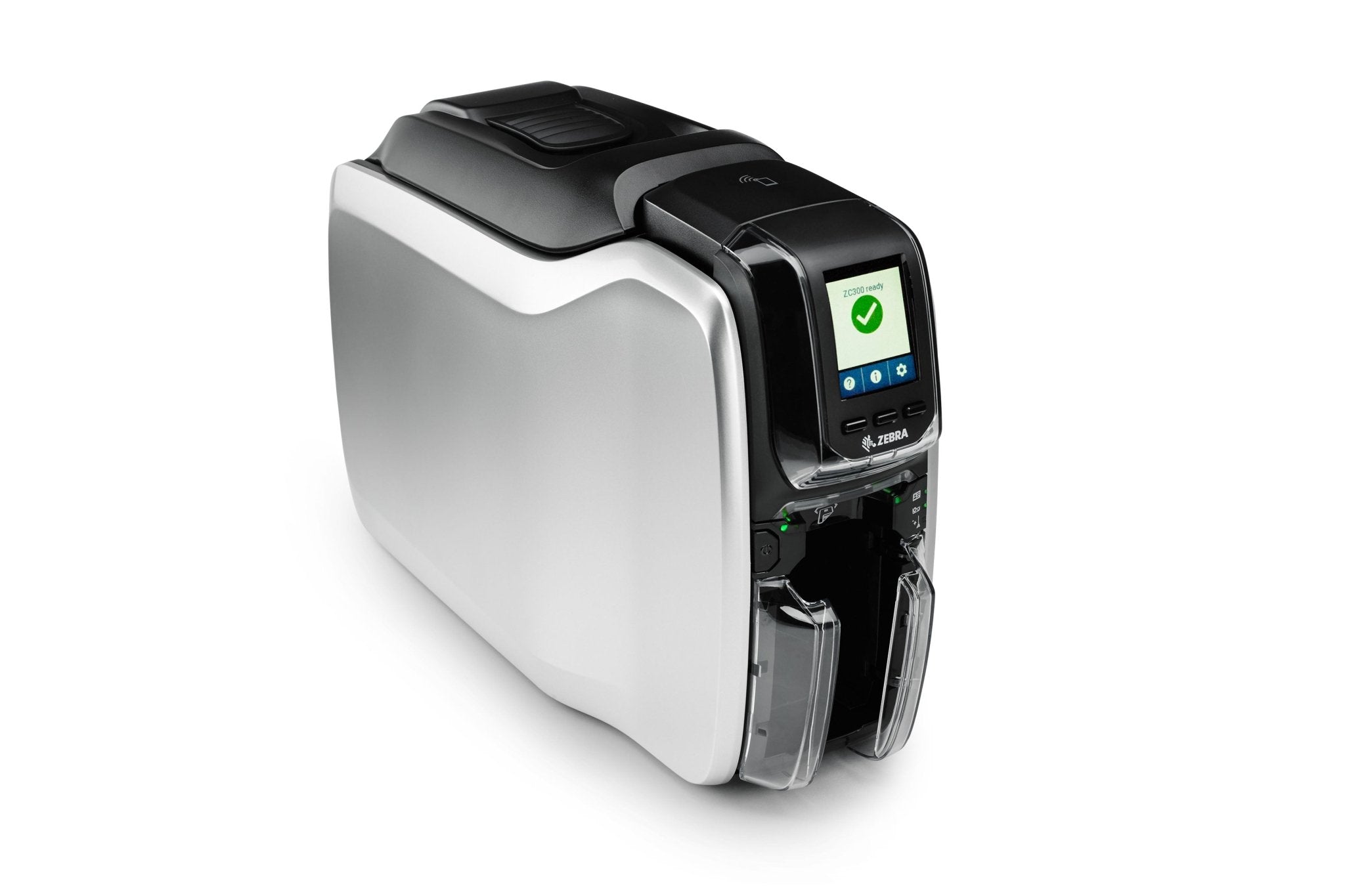
ACE catalogue photo: ZC300 card printer. Card stock, ribbon and cleaning procedures must match the printer. Tap the image to enlarge.
Confirm the result
Compare before/after test cards under the same lighting. The image should be continuous across the previously affected area without a new recurring defect.
Before going further: Do not scratch the head, use abrasive materials or change printhead resistance settings. Persistent same-position lines may require a service replacement.
If you need help
Include these details in your ticket: Printer model, redacted test-card photos, position/direction of the line, ribbon/stock details and the cleaning method used.
Updated 261107