
Frequently Asked Question
PaperStream is deleting pages that are not blank. How do I stop missing scan pages?
QUICK ANSWER
Review Blank Page Detection in the active scan profile. Faint text or content near an edge can be classified as blank, so compare page counts before discarding originals.
Applies to: PaperStream IP and PaperStream Capture profiles using automatic blank-page removal.
Work through these checks
- Duplicate or record the current production profile before changing it. Keep the original documents in order and note which faint or edge-printed pages disappear.
- In the PaperStream IP profile, review Page and Blank Page Detection. Temporarily set blank-page detection to Off for a controlled rescan of the affected documents.
- If the pages return, adjust the supported Content Sensitivity and Margin controls using preview and a representative sample. Increase sensitivity to content and reduce an overly wide excluded margin as needed; avoid assuming one slider position suits every form.
- Check the saved Capture profile and any application-level blank-page removal as well. Ensure the job actually uses the edited profile, then test ordinary blank sheets and the faintest legitimate pages together.
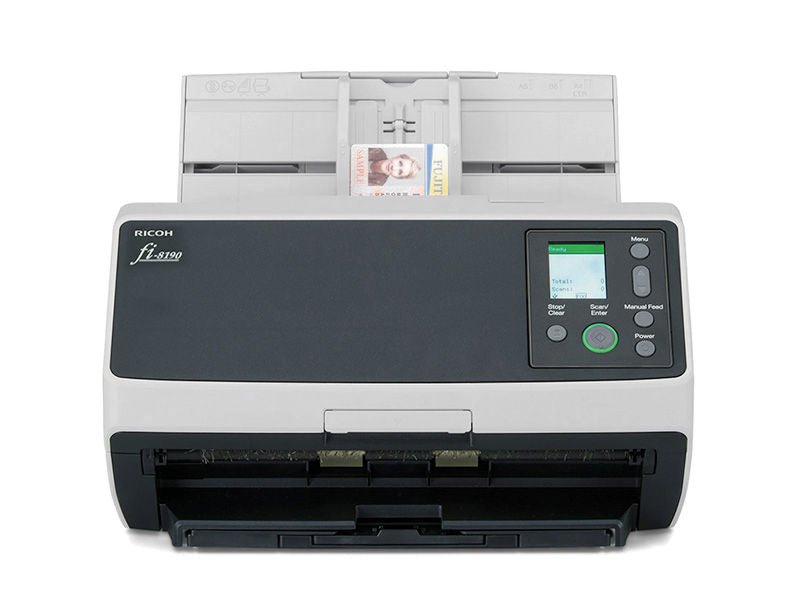
ACE catalogue photo: fi-8190. Apply cleaning, connection and profile instructions for your exact scanner model. Tap the image to enlarge.
Confirm the result
Count the output pages and inspect all previously missing examples. Keep legitimate faint pages even if that means retaining some blank pages for manual review.
Before going further: Do not destroy originals or approve a document archive on the basis of a successful scan message alone. Page completeness must be checked.
If you need help
Include these details in your ticket: Scanner and PaperStream versions, active profile, redacted example of a missing page and screenshots of blank-page sensitivity/margin settings.
Updated 261107