
Frequently Asked Question
My Surface has a black screen and will not turn on. What can I safely try?
QUICK ANSWER
First check power and remove unnecessary accessories. If it remains unresponsive, use the restart procedure for the exact Surface generation; the older two-button procedure is not universal.
Applies to: Surface Pro, Go and Laptop models with no startup image or an apparent failure to wake.
Work through these checks
- Disconnect USB drives, docks, external displays and other accessories. Connect the recommended charger directly to a working socket and inspect its indicator and connections.
- Allow a depleted battery time to charge before trying again. Note whether the device shows a logo, keyboard light, charging warning or any other sign of power.
- For Surface Pro 5th generation and later, Surface Go and Surface Laptop families covered by Microsoft's current procedure, hold the power button until it restarts and shows the Windows logo, approximately 20 seconds, then release it. Check the model before applying this to older devices.
- If it starts, reconnect accessories individually and install appropriate Surface/Windows updates. If the screen remains black but the device appears to run, record that distinction rather than repeatedly forcing shutdowns.
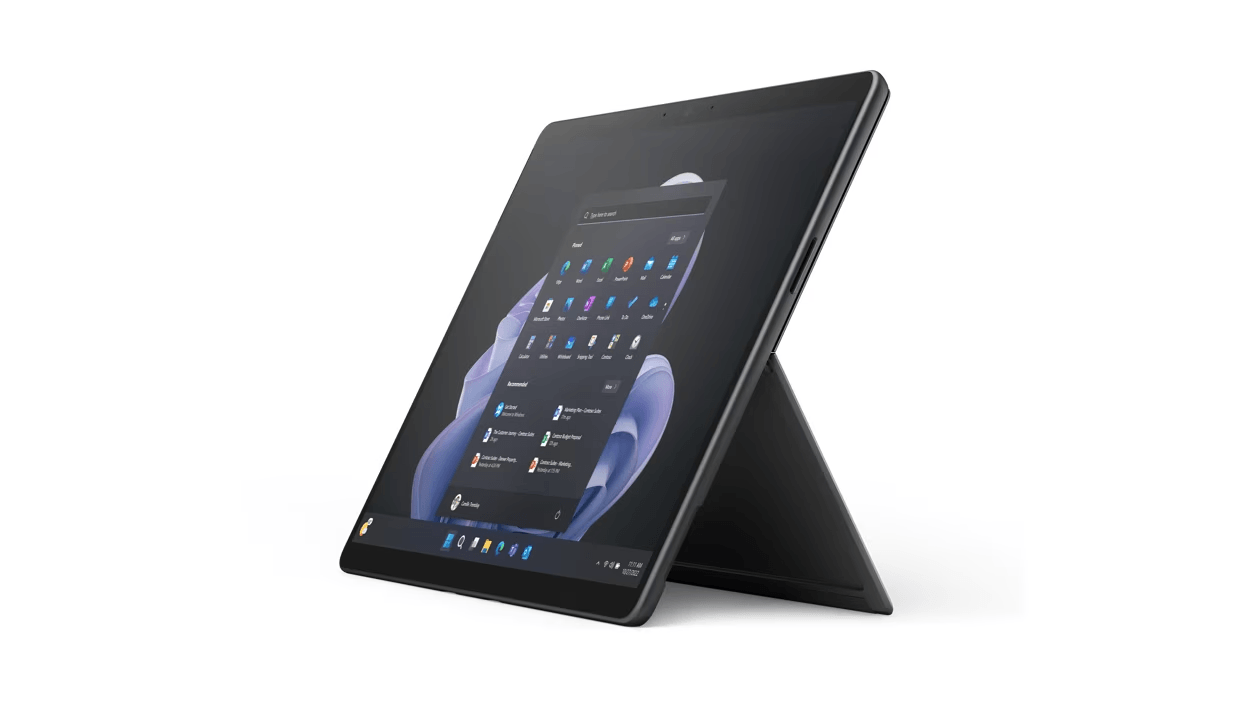
ACE catalogue photo: Surface Pro 9. Keyboard, charging and accessory support depend on the exact Surface model. Tap the image to enlarge.
Confirm the result
Confirm a normal startup and one successful sleep/wake cycle. Reconnect the dock or display separately to identify whether an accessory triggers the symptom.
Before going further: A forced restart can lose unsaved work. Stop for battery swelling, liquid damage, a burning smell or a damaged power connector; do not open the unit.
If you need help
Include these details in your ticket: Exact Surface model, charger/indicator status, signs of power, last successful startup and the restart procedure attempted.
Updated 261107