
Frequently Asked Question
Why does my Surface stop charging at 80% or 50%?
QUICK ANSWER
A configured battery-protection feature may deliberately limit charging. Check Smart charging and any managed Battery Limit setting before treating the percentage alone as a charger fault.
Applies to: Surface models that support Smart charging or UEFI Battery Limit. Features vary by model and management policy.
Work through these checks
- Note the percentage, battery icon and any heart or charging-protection message. Open the Surface app's battery information where supported and check whether Smart charging is active.
- If it stops near 50%, ask the administrator whether UEFI Battery Limit is enabled for long-term plugged-in use. That is a separate setting from Smart charging and may be deliberately managed.
- Confirm the Surface is receiving power: inspect the correct charger's connection and indicator, test a known-working socket and check for a charging warning. An underpowered USB-C supply can produce a different symptom.
- Let a hot or cold device return to a normal indoor temperature. If a supported temporary full-charge option is needed for travel, use the Surface app's available control rather than changing managed firmware settings.
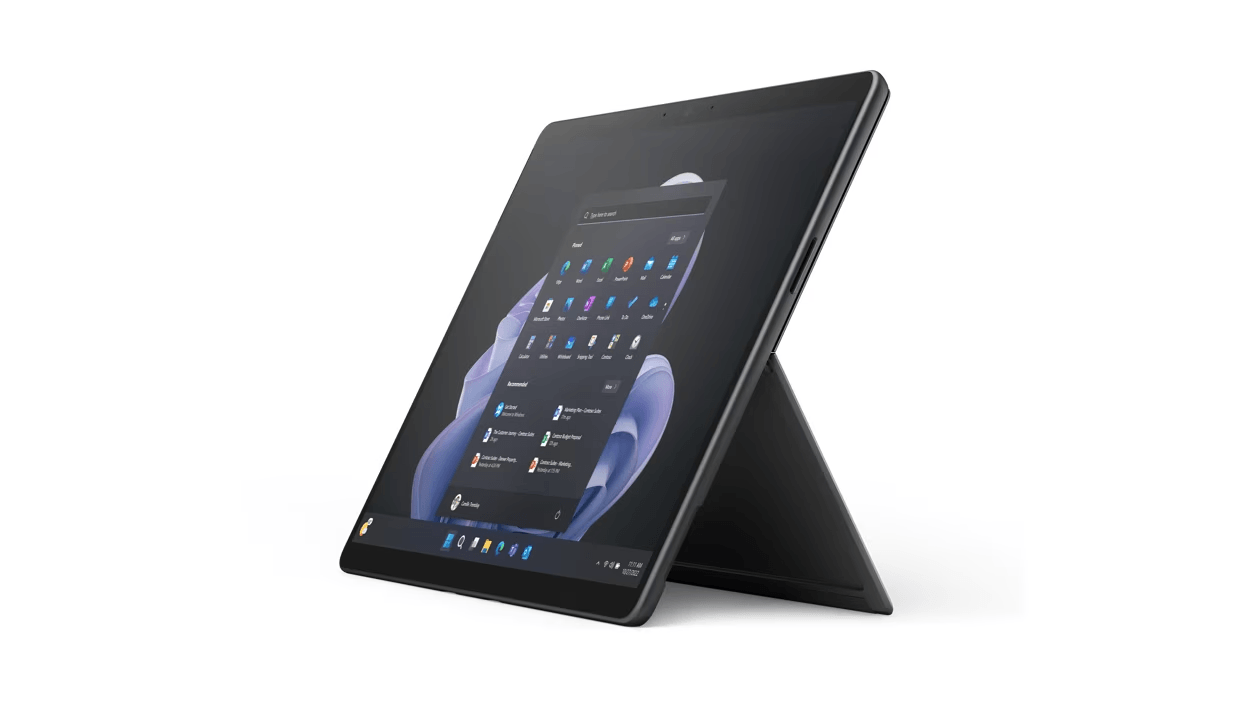
ACE catalogue photo: Surface Pro 9. Keyboard, charging and accessory support depend on the exact Surface model. Tap the image to enlarge.
Confirm the result
Check the battery status message as well as the percentage. A device deliberately holding its configured limit while running on the adapter is behaving differently from one losing charge despite being connected.
Before going further: Do not bypass a corporate battery policy. Stop using a swollen battery, damaged cable or unusually hot charging connector and arrange service.
If you need help
Include these details in your ticket: Surface model, charger type/wattage, observed limit, battery-status screenshot and whether Smart charging or Battery Limit is enabled.
Updated 261107