
Frequently Asked Question
Why is my Eaton 5E Gen2 UPS beeping, and when should I shut down?
QUICK ANSWER
Match the beep pattern with the LED status and exact model. Battery operation, low battery, overload and an internal fault need different responses.
Applies to: Eaton 5E Gen2. Do not apply these LED/beep interpretations to every Eaton series or hardware revision.
Work through these checks
- Record a short video of the indicator and beep interval. Check whether utility power has failed and save work on the protected equipment.
- For the documented 5E Gen2 pattern, green flashing with a beep about every five seconds indicates battery operation; a faster low-battery alarm means you should prepare for an orderly shutdown.
- Alternating green/red with an alarm can indicate excess load or a battery issue. Safely remove non-essential load and arrange assessment if the warning remains.
- A continuous alarm with red indication can signal a fault. Protect the connected workload and obtain service advice instead of repeatedly restarting the UPS.
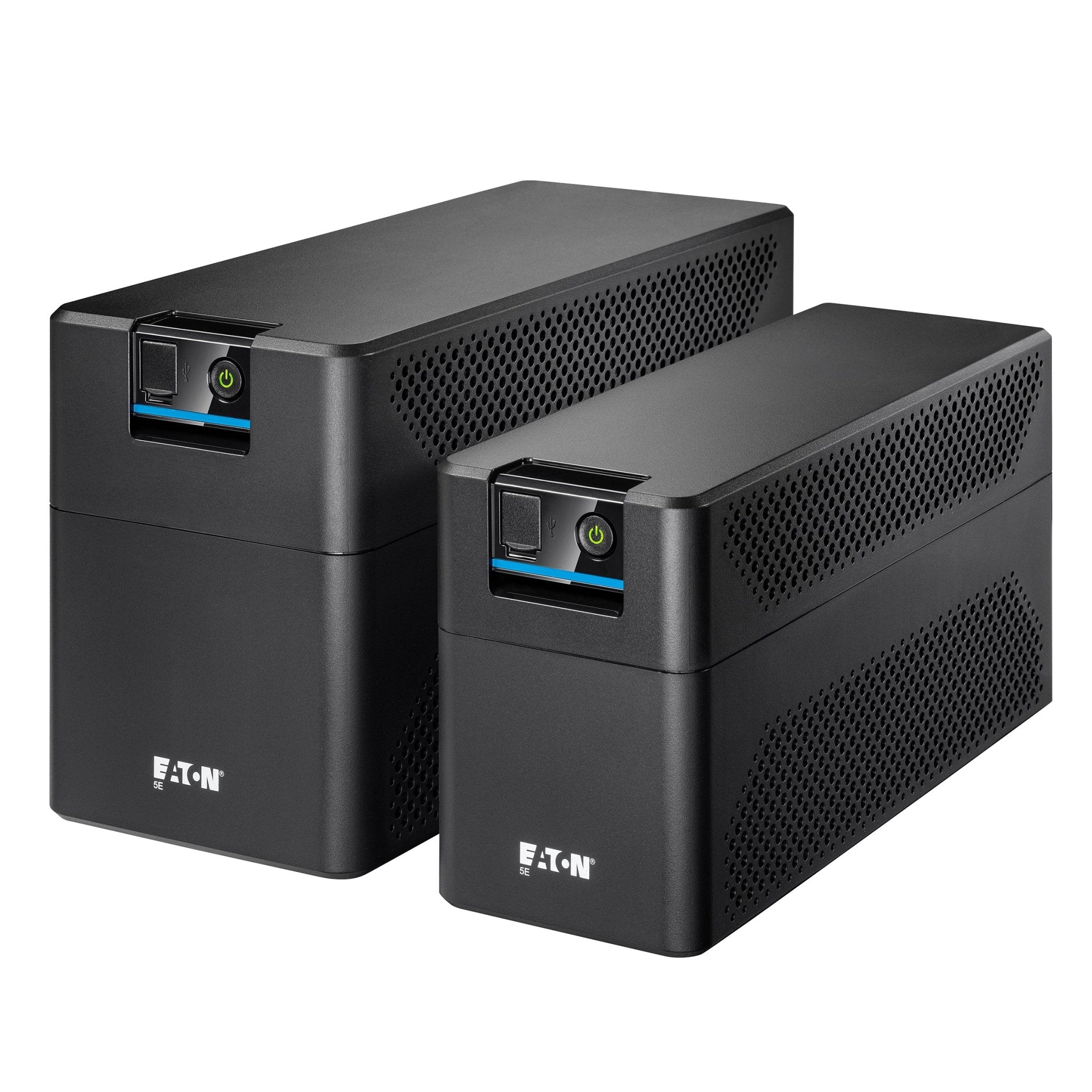
ACE catalogue photo: Eaton 5E Gen2. Identify the exact model on the label before interpreting an alarm. Tap the image to enlarge. Interface examples may differ from your version.
Confirm the result
After the cause is corrected, check that normal operation returns and no alarm repeats. Silencing the buzzer is not a repair.
Before going further: Do not open the UPS or disconnect internal batteries. Stored energy remains present even when mains is unplugged.
If you need help
Include these details in your ticket: Full model/serial, LED/beep video, connected load and whether mains power is present.
Updated 261107