
Frequently Asked Question
Why do devices overheat inside my Tough rack or wall cabinet?
QUICK ANSWER
Check whether heat can leave the equipment and the cabinet. A fan tray cannot compensate for blocked device vents, restricted room airflow or an unsuitable equipment layout.
Applies to: Tough cabinets containing switches, NAS, NVRs, servers or other IT equipment.
Work through these checks
- Record the affected device's reported temperature, load and room conditions. Compare with its operating specification; the outside of the cabinet feeling warm is not a temperature measurement.
- Inspect the equipment intake and exhaust directions. Keep vents clear of side panels, shelves, bundled cables and neighbouring devices. Do not stack desktop devices tightly unless their instructions allow it.
- Check cabinet ventilation openings and any fitted fan tray. Observe whether fans run normally and whether dust or objects block airflow. A closed room also needs a way to remove the heat.
- Review the layout if new equipment or a door change preceded the issue. Compare temperatures under the same workload after one reversible airflow improvement, while keeping access and security requirements in place.
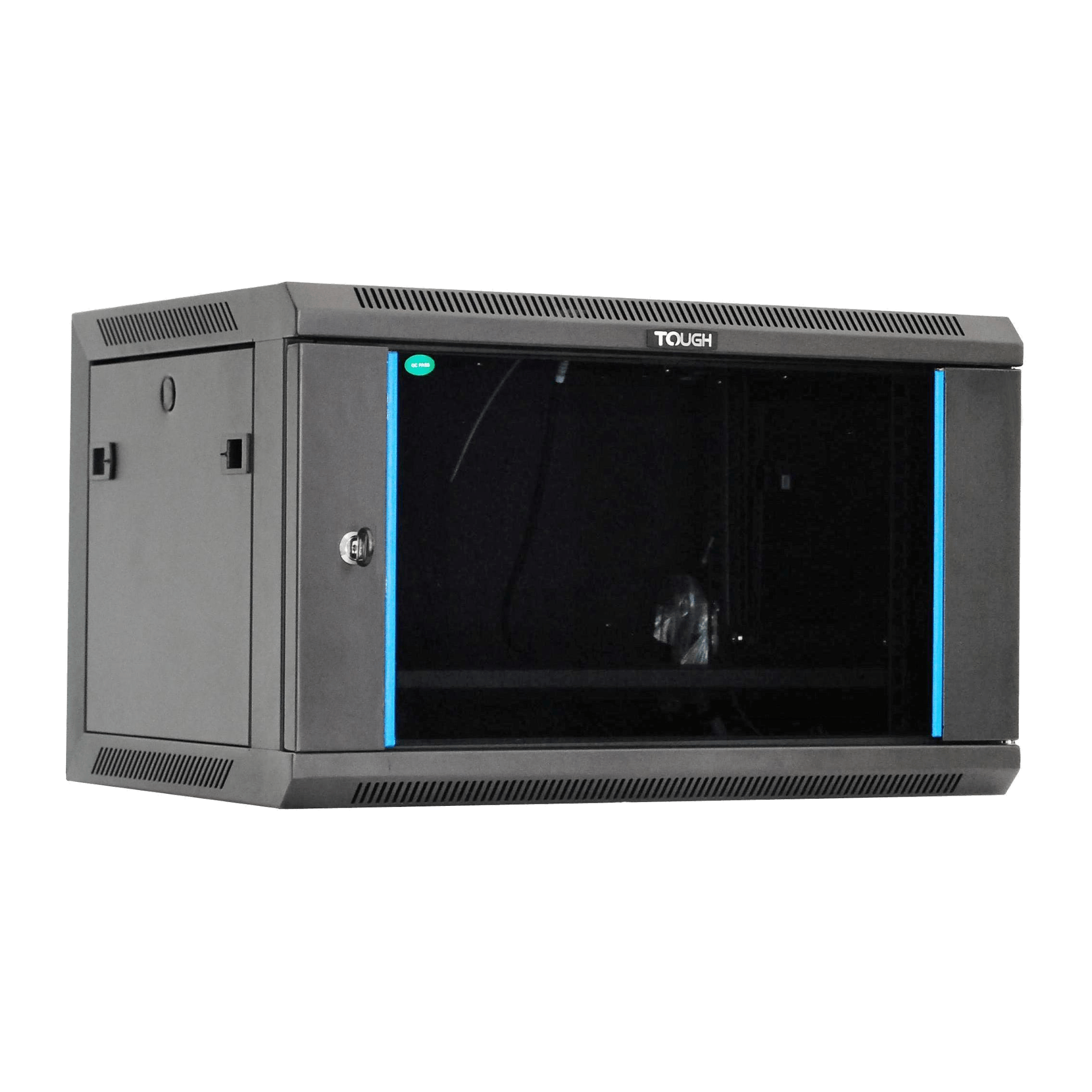
ACE catalogue photo: Tough 6U wall cabinet. Confirm the selected depth variant, usable clearances and installation requirements separately. Tap the image to enlarge.
Confirm the result
Temperatures should remain within each device's limits through a representative workload, with no repeated thermal warnings or shutdowns. A brief idle check is insufficient.
Before going further: Do not dismantle a powered mains fan tray or bypass thermal protection. Arrange shutdown and qualified service for failed powered components.
If you need help
Include these details in your ticket: Cabinet/equipment models, layout photos, intake/exhaust directions, reported temperatures, room conditions and when the issue began.
Updated 261107