
Frequently Asked Question
How do I check whether my equipment will fit in a 6U or 18U Tough cabinet?
QUICK ANSWER
Add the equipment's required rack units and clearances, then check depth and load separately. U capacity is a height allowance, not the number of devices a cabinet can hold.
Applies to: Planning Tough wall cabinets or floor-standing racks for network, storage and server equipment.
Work through these checks
- List every device and its specified rack height. Include patch panels, shelves, cable-management panels and any rack-mounted PDU occupying front space; do not count only the powered devices.
- For desktop equipment on a shelf, allow for the complete device height, feet and ventilation clearance. Two small products do not automatically fit into the same 1U shelf opening.
- Draw a front elevation showing the intended U positions, cable paths and any required separation. Keep ports accessible and consider room for service, expansion and heat removal.
- Check usable depth, mounting-rail compatibility, total load and the cabinet's installation method independently. A layout can fit vertically yet still be unsuitable for a deep server, heavy UPS or the proposed wall.
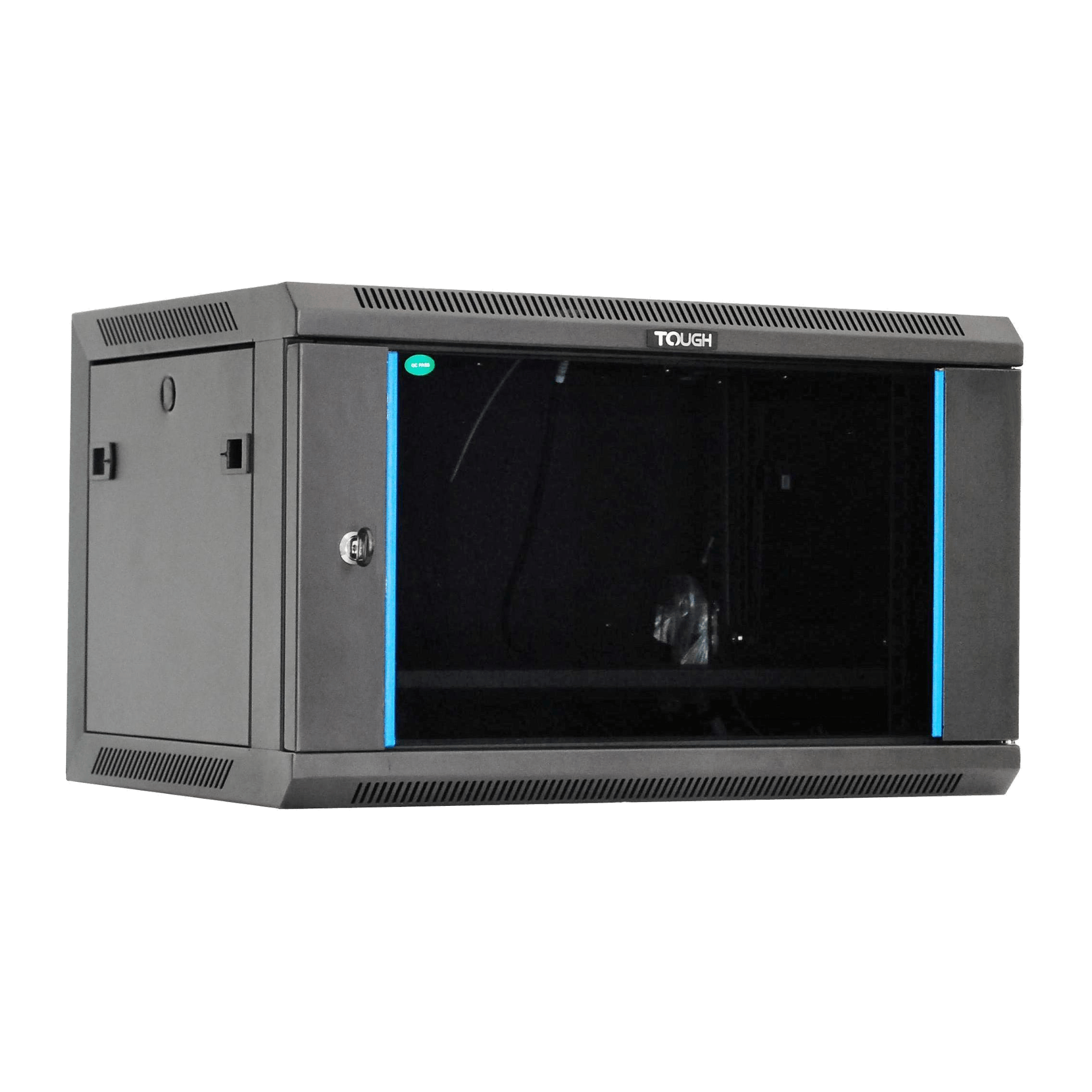
ACE catalogue photo: Tough 6U wall cabinet. Confirm the selected depth variant, usable clearances and installation requirements separately. Tap the image to enlarge.
Confirm the result
Compare the completed layout with the exact cabinet variant and each equipment manual before ordering or installing. Keep the drawing available for the installer and future changes.
Before going further: Do not use empty U space as evidence that a wall cabinet can support more weight. Confirm model-specific load and mounting requirements.
If you need help
Include these details in your ticket: Cabinet model, equipment list with dimensions/weights, intended layout, cable-entry direction and installation location.
Updated 261107