
Frequently Asked Question
Why will my 19-inch server not fit a Tough wall cabinet?
QUICK ANSWER
A 19-inch rack designation describes the mounting format, not usable equipment depth. Check the server, rails, rail adjustment range and cable clearance against the exact cabinet.
Applies to: Tough server/network cabinets, especially shallow 450 mm or 600 mm wall-cabinet variants.
Work through these checks
- Identify the exact cabinet variant. External cabinet depth is not the clear distance available behind the front rails, and two cabinets with the same U height can have different usable depths.
- Measure the equipment body, protruding handles and required rear connector/cable clearance. Compare the equipment manufacturer's rail-kit mounting range with the cabinet's front-to-rear rail positions.
- Check door closure and airflow clearance before mounting equipment. A server that slides into the shell may still leave no safe room for power leads, fibre bends or rear exhaust.
- Choose a verified deeper cabinet, compatible supported shelf or suitable rail kit where needed. Confirm load capacity and mounting method separately; a shelf that fits the width does not establish adequate depth or load support.
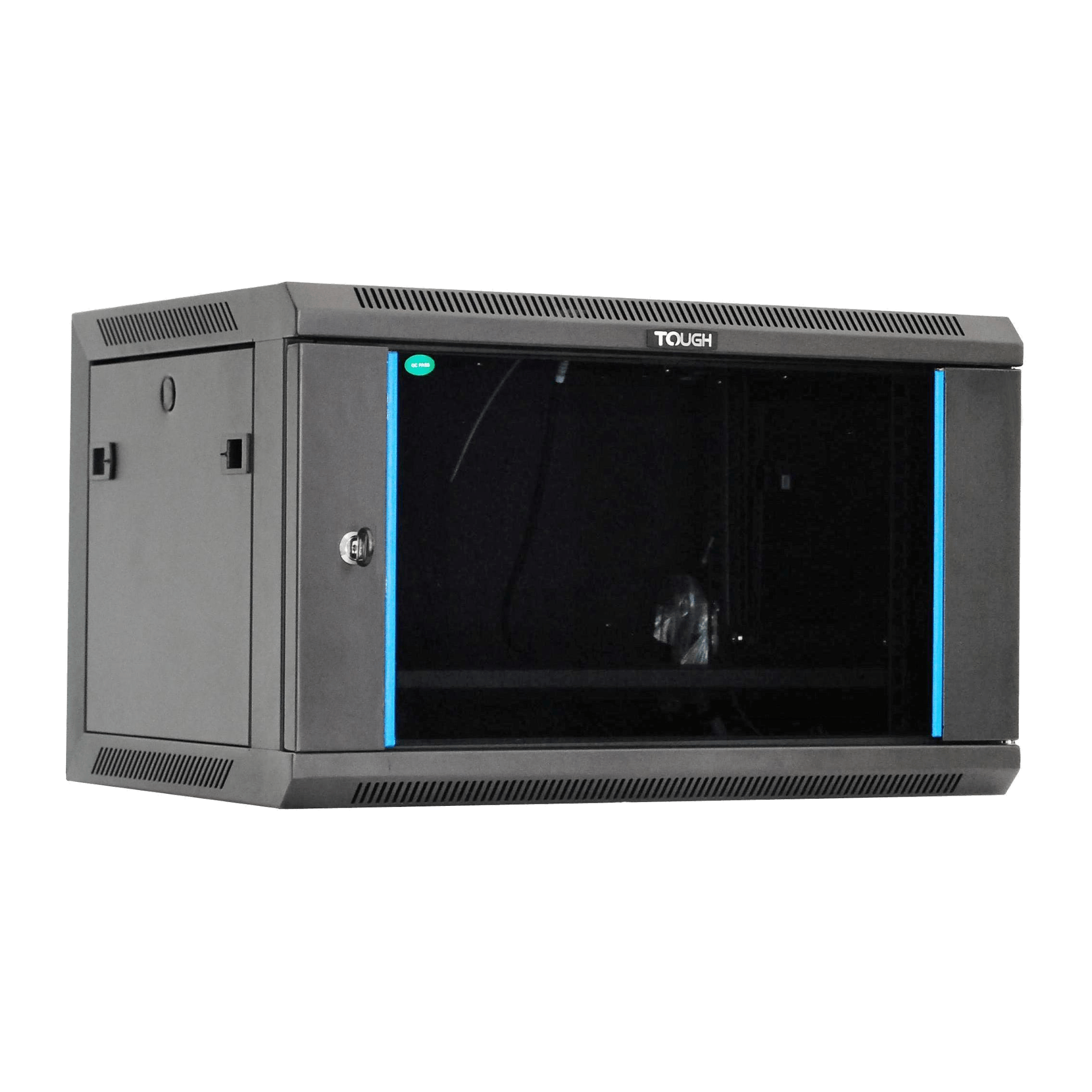
ACE catalogue photo: Tough 6U wall cabinet. Confirm the selected depth variant, usable clearances and installation requirements separately. Tap the image to enlarge.
Confirm the result
Document the usable mounting depth, rail compatibility and front/rear clearance. Doors should close without pressing connectors and ventilation paths should remain clear.
Before going further: Do not force a server into the cabinet, leave it hanging from front ears alone or modify the frame to compensate for an incompatible rail kit.
If you need help
Include these details in your ticket: Cabinet model/depth variant, equipment model, rail-kit part number and measured front/rear clearance. Photos of the empty rail layout are useful.
Updated 261107