
Frequently Asked Question
Why can my Mercusys USB adapter see 2.4 GHz Wi-Fi but not the 5 GHz network?
QUICK ANSWER
Confirm the adapter supports 5 GHz first. MW150US and MW300UM are 2.4 GHz models; MU6H is dual band. A driver update cannot add a radio band the hardware lacks.
Applies to: Mercusys USB adapters connecting to an existing router or phone hotspot.
Work through these checks
- Check the full model name rather than the antenna size or the advertised aggregate speed. If it is a 2.4 GHz-only adapter, use a supported 2.4 GHz SSID or a compatible dual-band adapter.
- For MU6H, install the driver matching the hardware revision and operating system. Test close to the router, since 5 GHz range and wall penetration differ from 2.4 GHz.
- Confirm the router actually broadcasts a 5 GHz network. Use another known-compatible client to check it. Temporarily giving the bands distinct names can make a controlled comparison easier.
- Have the administrator review the router's region, channel and security compatibility with the adapter. Use locally permitted settings; do not change country settings or remove Wi-Fi security to make an SSID appear.
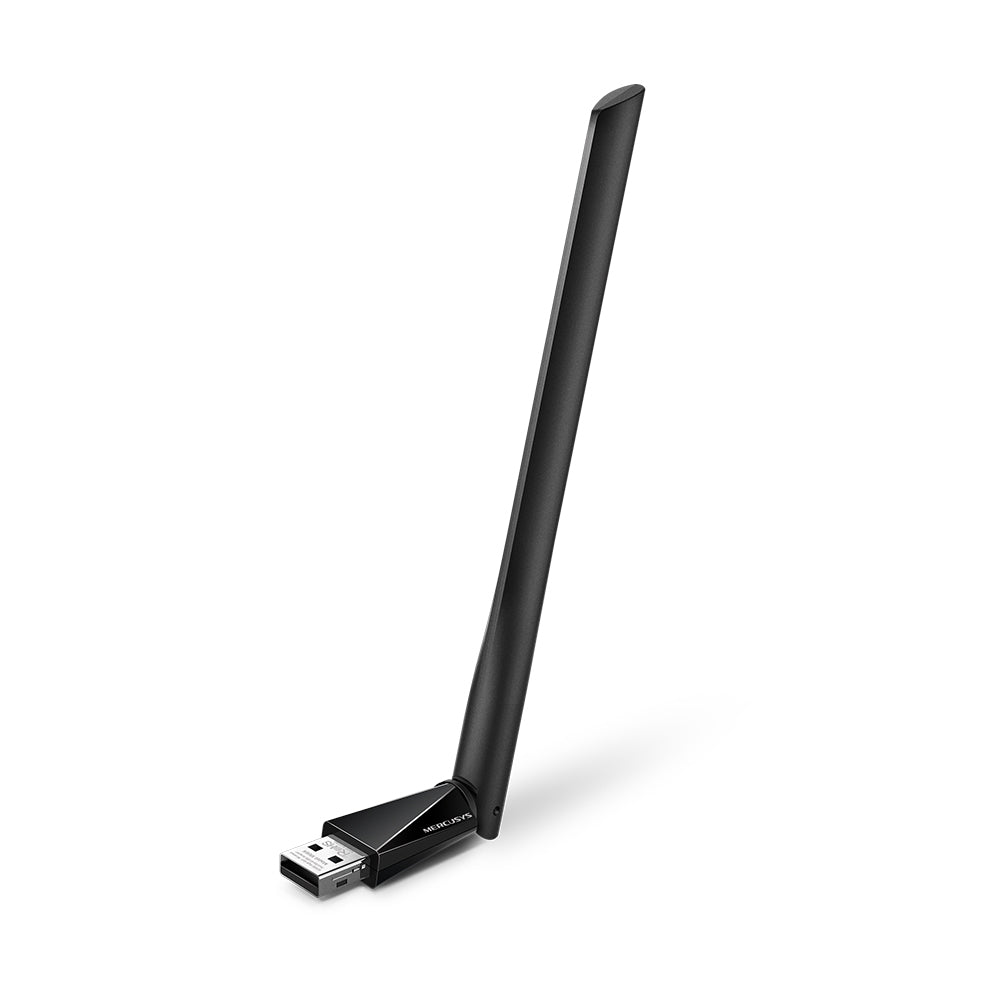
ACE catalogue photo: MU6H. This dual-band example differs from the 2.4 GHz-only MW150US and MW300UM. Tap the image to enlarge.
Confirm the result
Connect and check the client's actual band or frequency. Seeing a shared SSID does not establish whether the connection uses 2.4 GHz or 5 GHz.
If you need help
Include these details in your ticket: Adapter model/revision and driver, router model, 5 GHz channel/security mode and whether another nearby 5 GHz client sees the network. Hide passwords.
Updated 261107