
ACE PERIPHERALS
Support Center
Find a practical answer, check your warranty or speak with our Support Specialists.
Warranty and RMA
Start with your product serial number and purchase reference. Check the ACE warranty record, then submit a ticket describing the fault. Our Specialist will confirm the applicable cover, assessment and return route.
- Check your product on Warranty Check.
- For a new issue, choose ACE Support - General support when submitting your ticket.
- Wait for confirmed return instructions. The ACE RMA route requires an existing ticket number.
RMA visits require ticket confirmation. Last service check-in is 5pm. Please confirm the destination and what to bring before travelling or sending a parcel.
Warranty Check Submit Ticket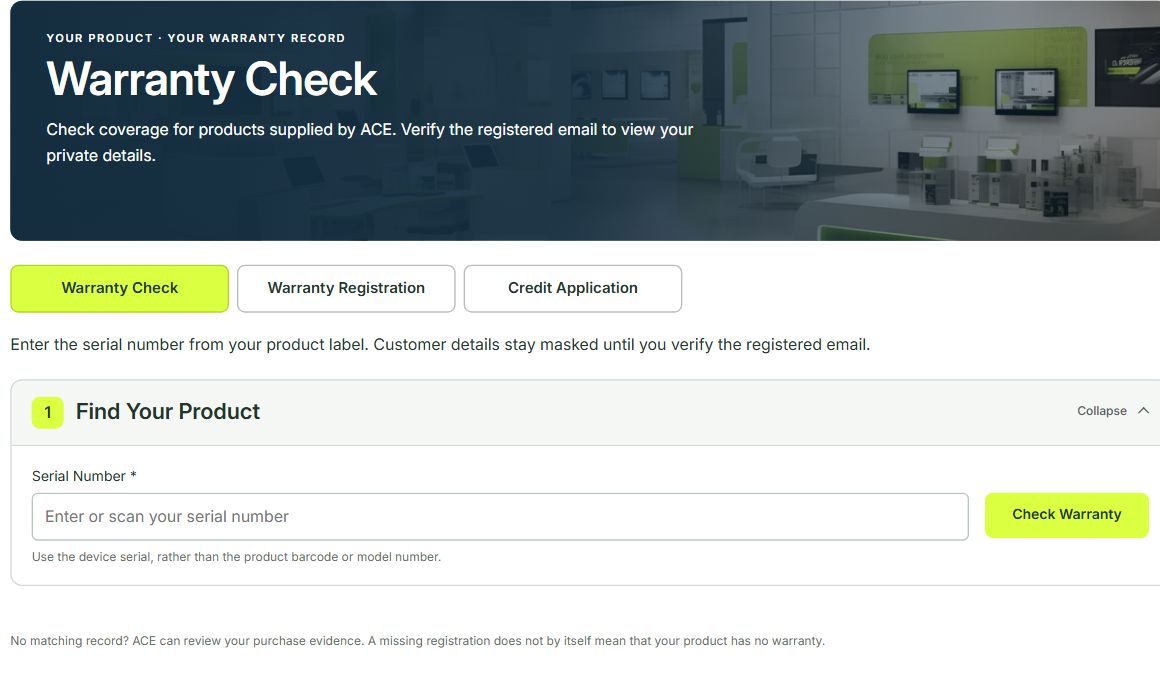
When We Can Help
Free technical support
Monday to Friday, 10am to 5pm, excluding Singapore public holidays.
Premium Support
24/7 availability for customers with an active agreement. Response within 4 to 8 business hours. Coverage and services follow your agreement.
Singapore office hours
Monday to Friday, 9am to 7pm. Technical support and RMA visits follow the service hours and confirmed arrangements above.
Contact Our Support Specialists
+65 6100 7000
support@aceperipherals.com
ACE Peripherals Pte Ltd
3005 Ubi Avenue 3, #01-88
Singapore 408861
Include the brand, exact model, serial number, purchase reference, error message and checks already completed. Keep passwords and private access codes out of tickets. If the confirmation email is missing, check your Spam or Junk folder.